Every menu in the system provides a search box for date fields:
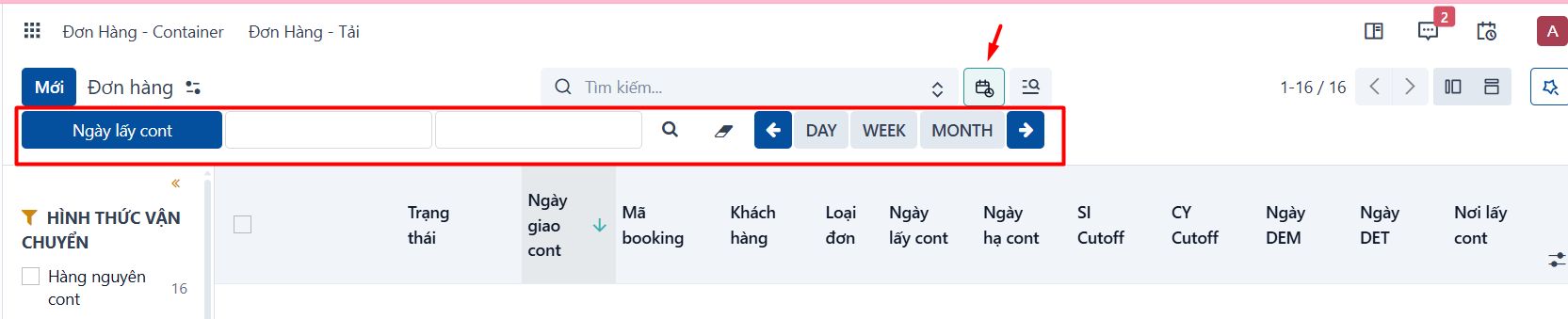
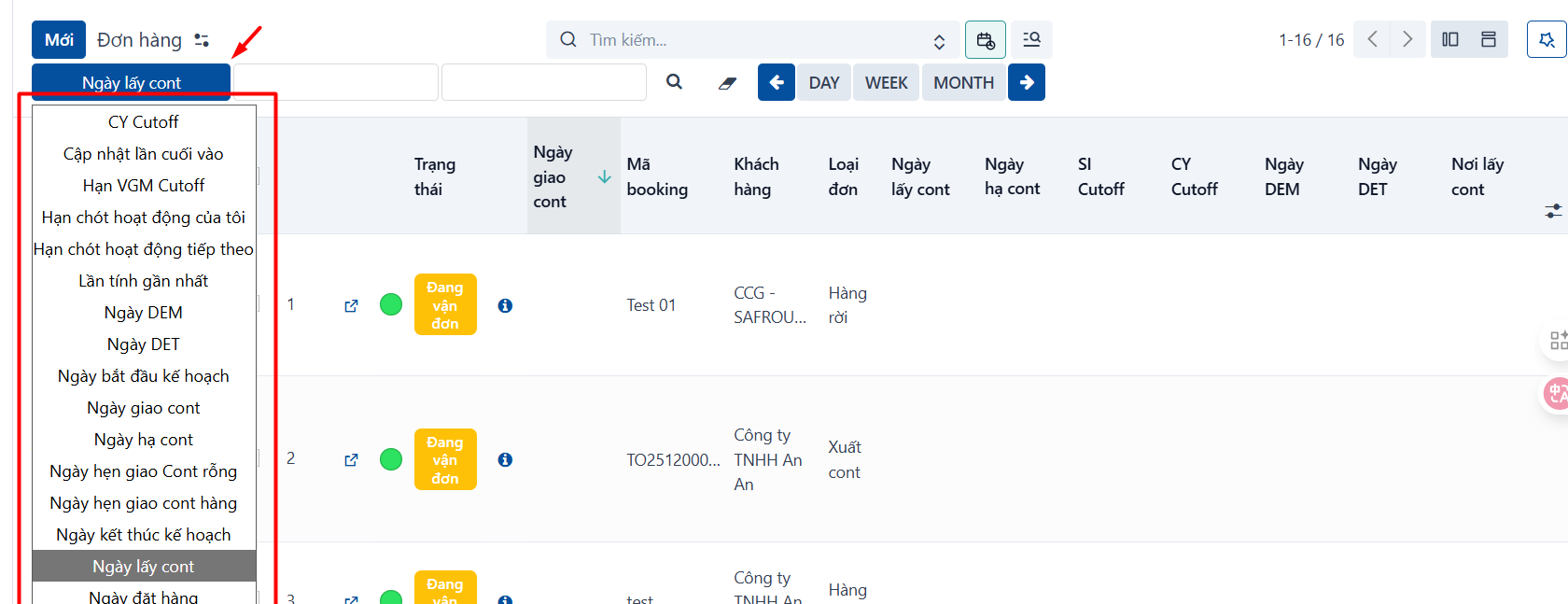
- The box for choosing which date field to filter on:
- The box for entering the dates to search:

- The search button and the button that clears the search values:

-
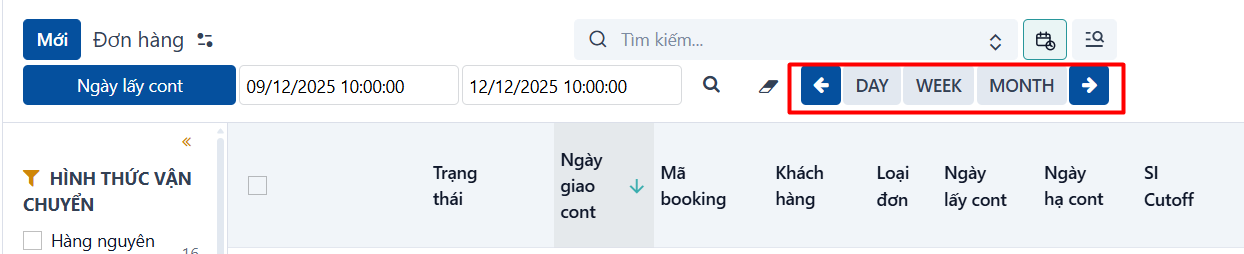
The quick filter box:
-
Click DAY to filter quickly by the current day. Click the ←/→ arrows to move between days.
-
Click WEEK to filter quickly by the current week. Click the ←/→ arrows to move between weeks.
-
Click MONTH to filter quickly by the current month. Click the ←/→ arrows to move between months.
-
PREVIOUSThe filter navigation bar
NEXTGrouping data