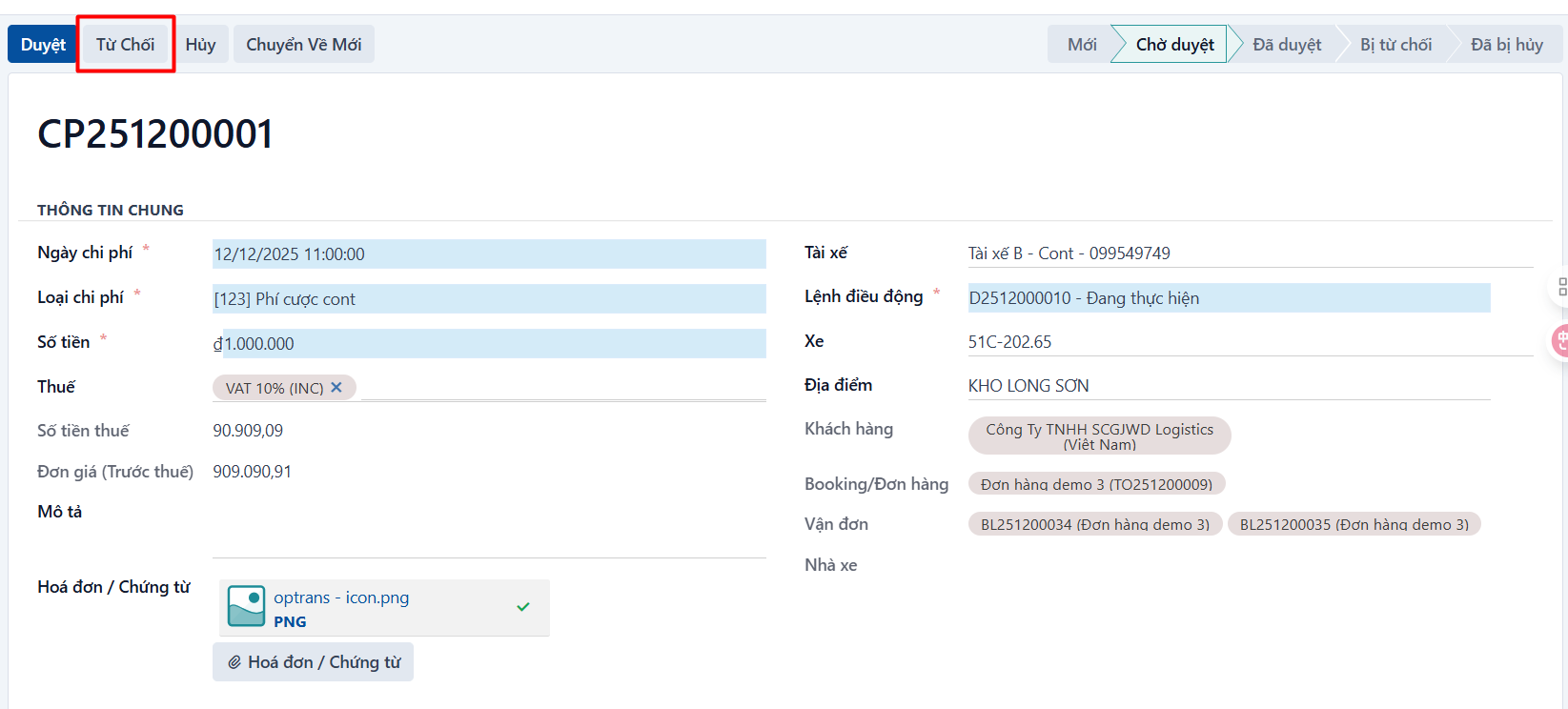
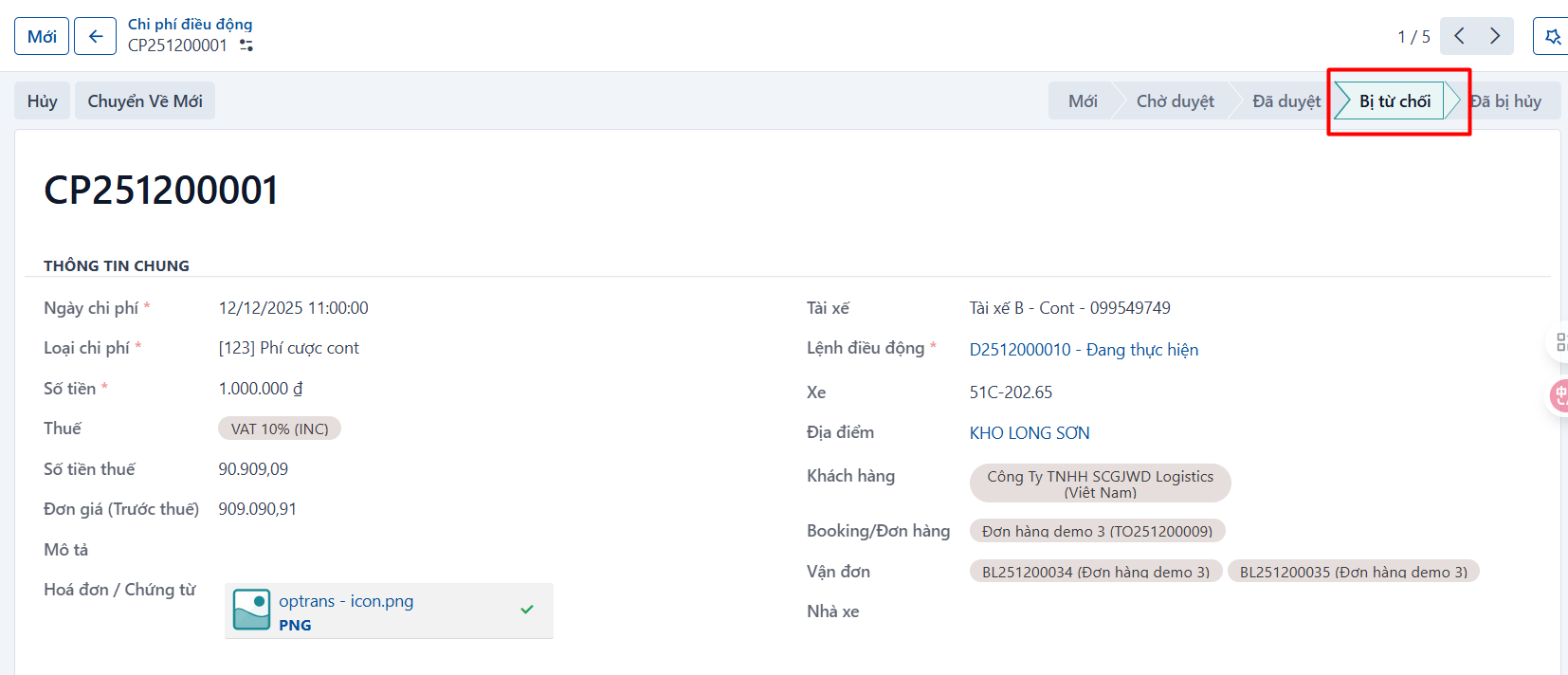
Rejecting a cost Steps Step 1 Open a cost record in the WAITING FOR APPROVAL state and click REJECT. The cost record moves to the REJECTED state. PREVIOUSApproving a costNEXTMarking the payment or reimbursement status