Steps
Step 1
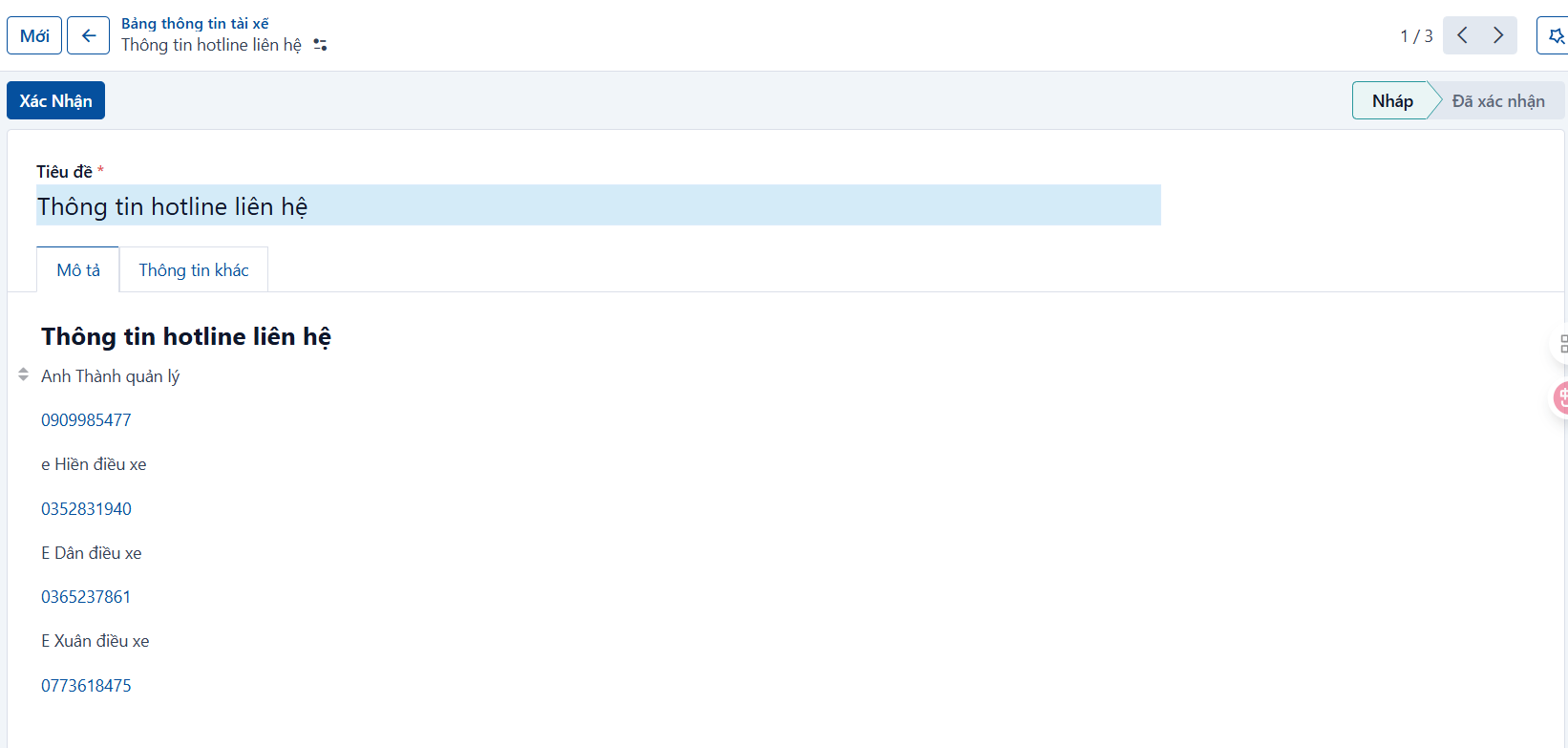
Go to the Driver boards menu and click the create button.
Step 2
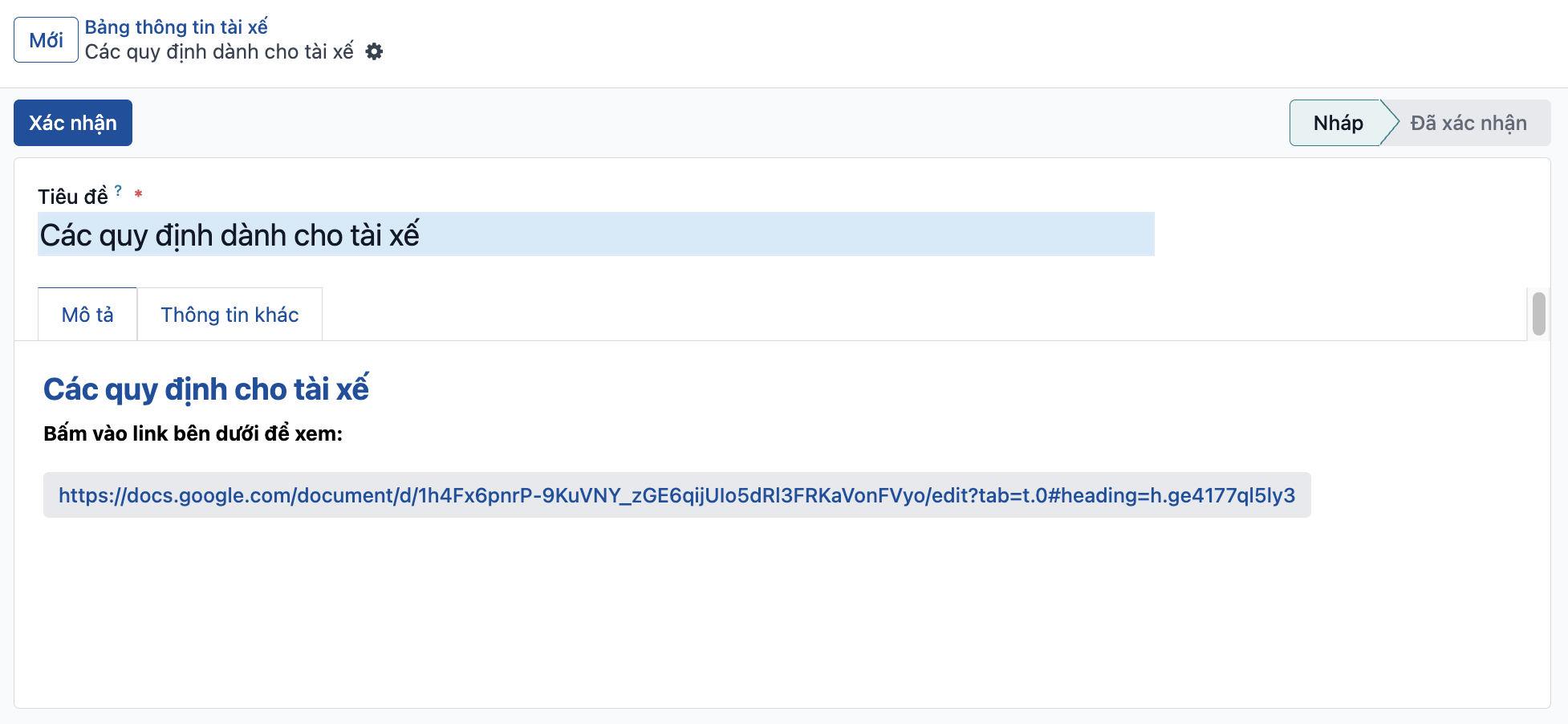
Enter the information:
-
Title: enter the name of the notice (this name is not shown in the mobile app).
-
Description: enter the content of the board (this part is shown in the mobile app).
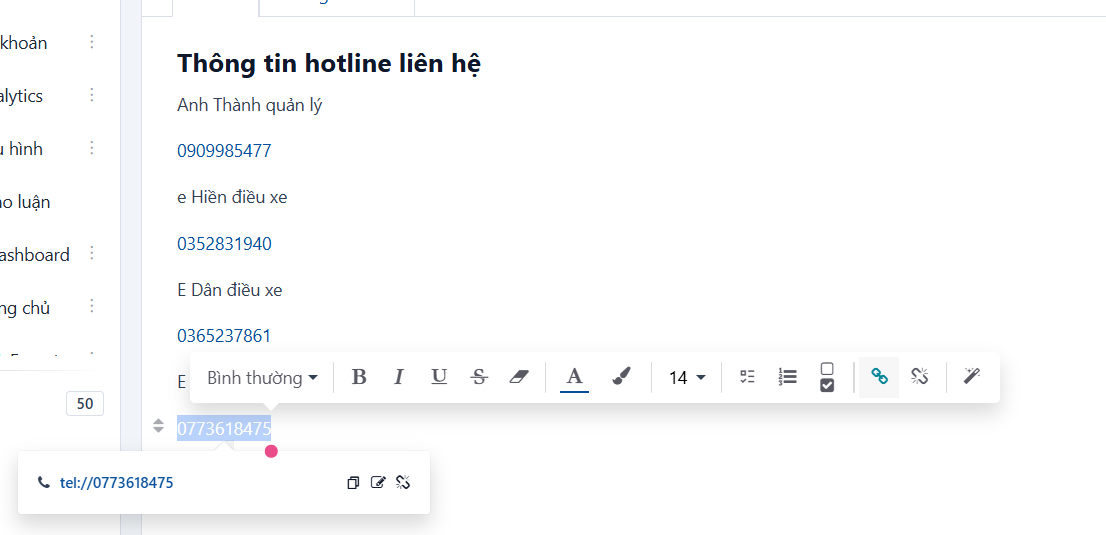
- You can use some basic formatting for the notice content:
Step 3
Click the save button to finish creating the board.
Note: a newly created board is only in the DRAFT state. You have to confirm it before it appears in the mobile app for drivers.