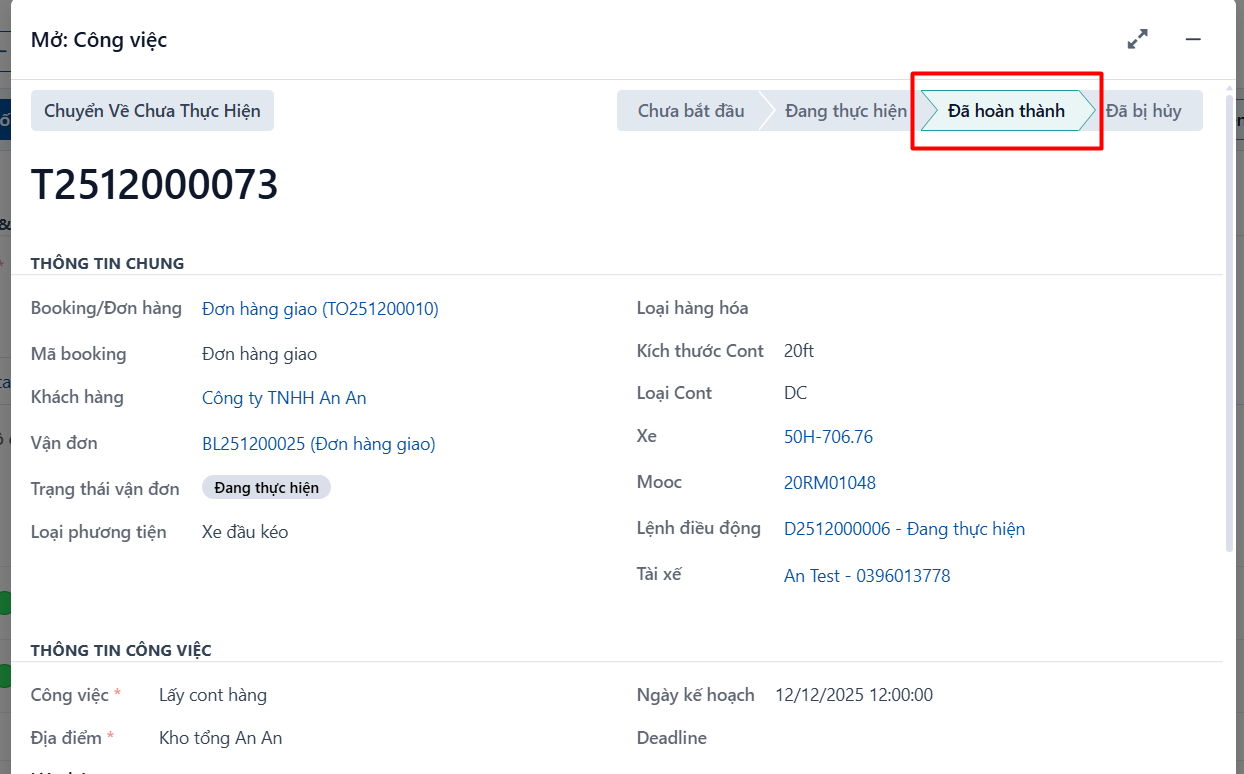
The system lets a dispatcher complete a task. This is useful in a few situations:
-
Doing it on the driver’s behalf: normally the driver completes the task in the mobile app. But sometimes the driver cannot use the app — for example they have lost their phone — and then the dispatcher can complete the task for them.
-
Orders handed to a cooperative or an outside carrier: here the dispatcher keeps track of progress by phone or another channel and completes the task in the system.
Steps
Step 1
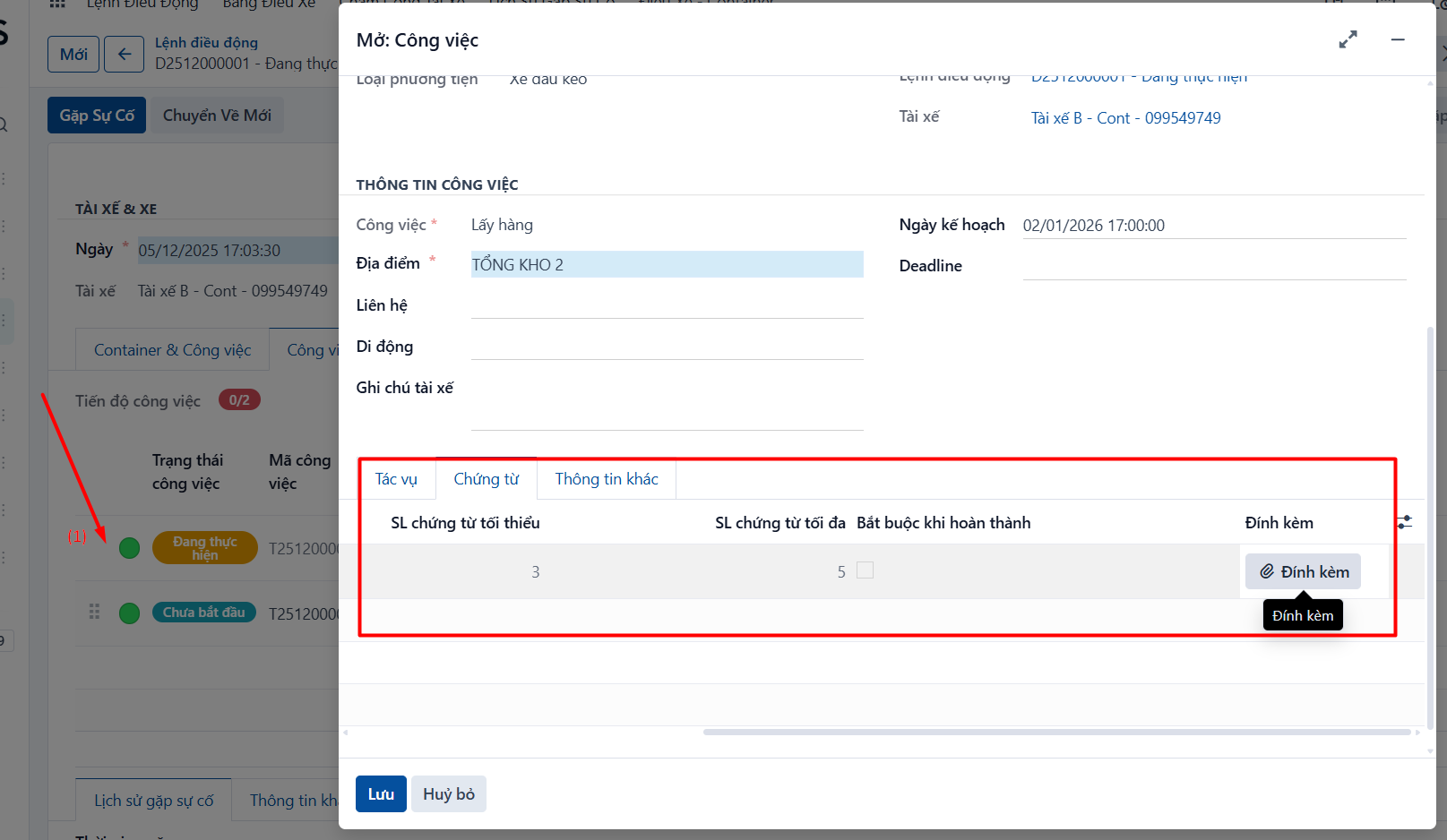
Open the task you want to complete, either from a task management menu or by clicking the task on a dispatch order (1) → attach the related images and documents (2) on the task’s [Documents] tab.
Step 2
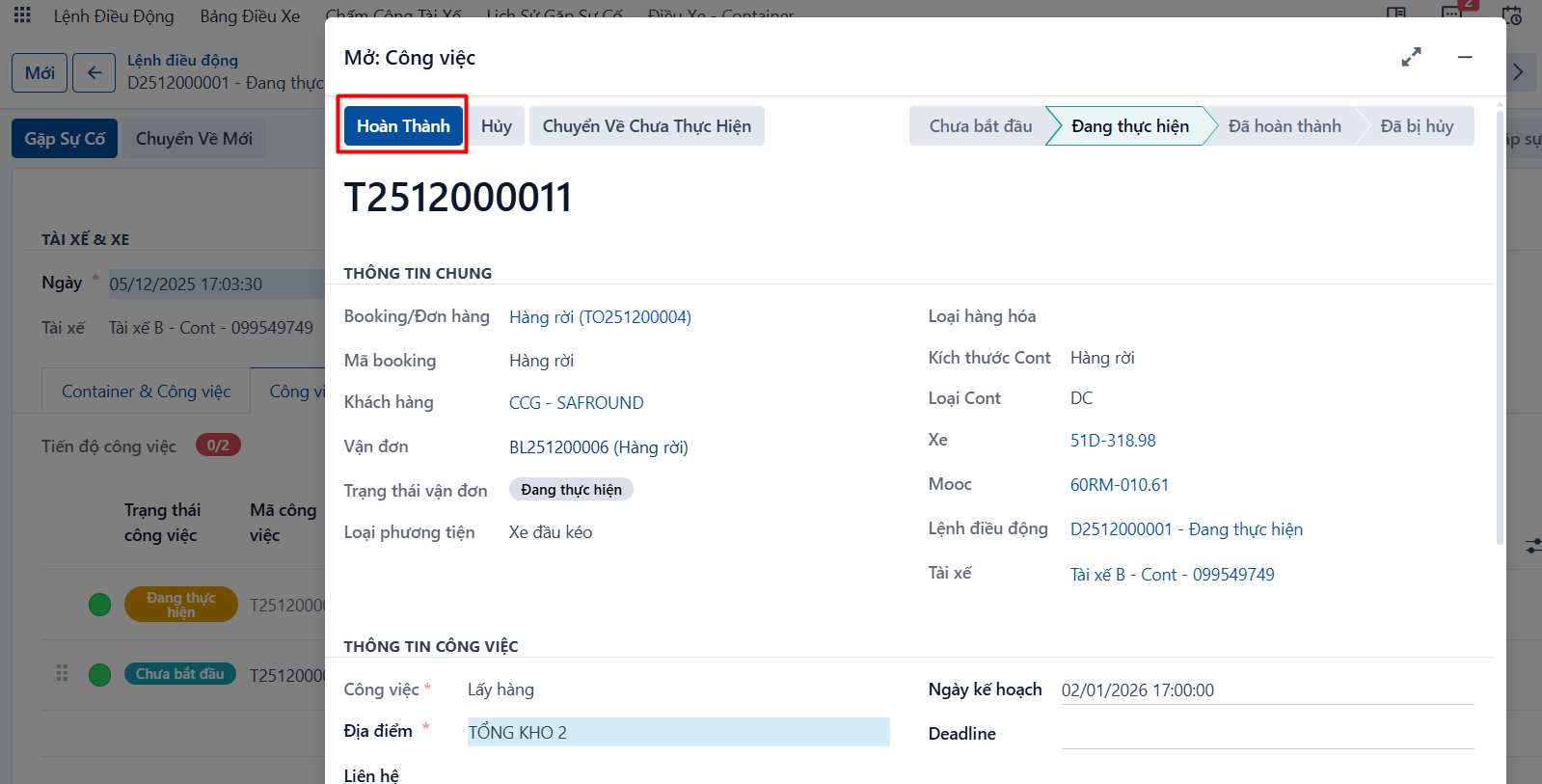
→ Then click COMPLETE.
Step 3
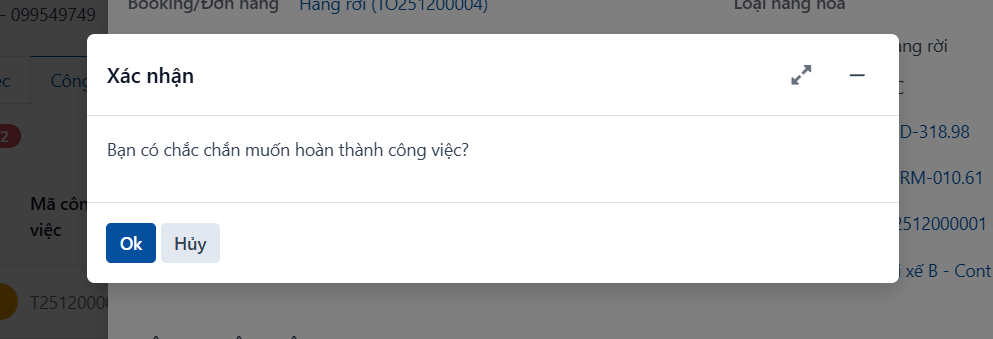
The system asks whether you are sure you want to complete the task. If you are, click OK.
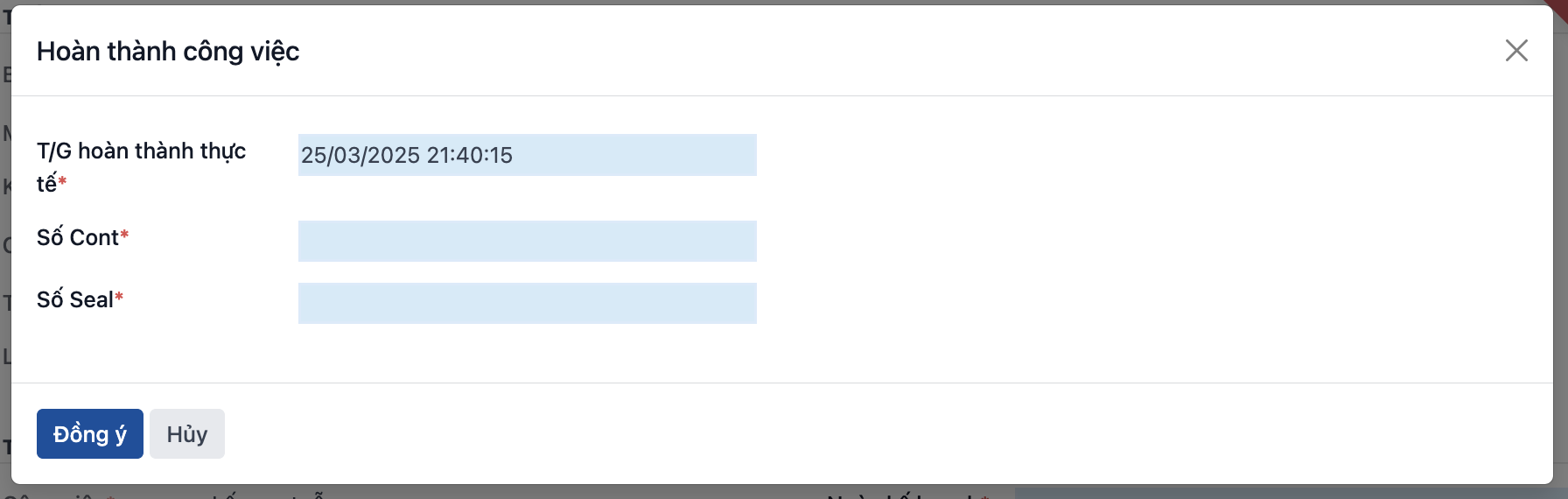
Step 4
The system shows a popup. Enter the actual completion time, and the container and seal numbers for the “pick up empty container” task of an export full container waybill, then click OK.
Result: the system moves the task to the COMPLETED state: