Note
The system lets you delete a task, but only while it is NOT STARTED or CANCELED and the container or waybill has not been confirmed. Once the container or waybill is confirmed, you can only cancel the task.
Deleting a task
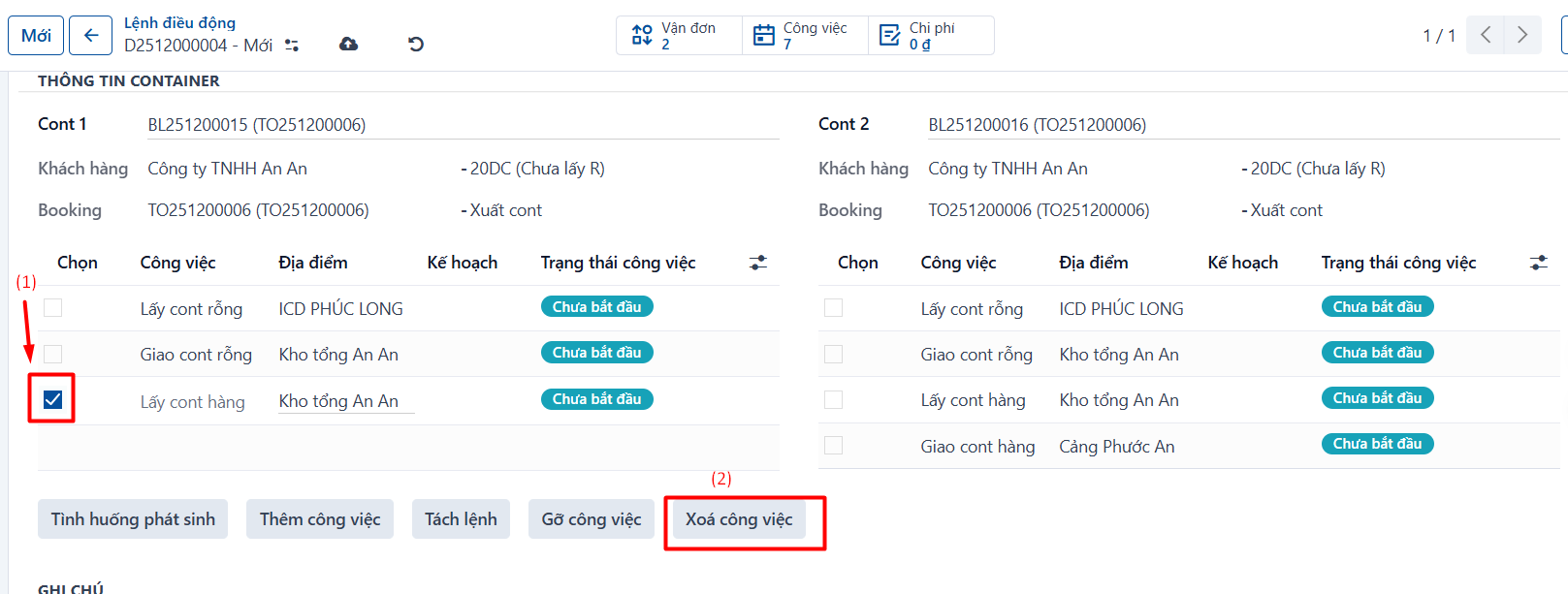
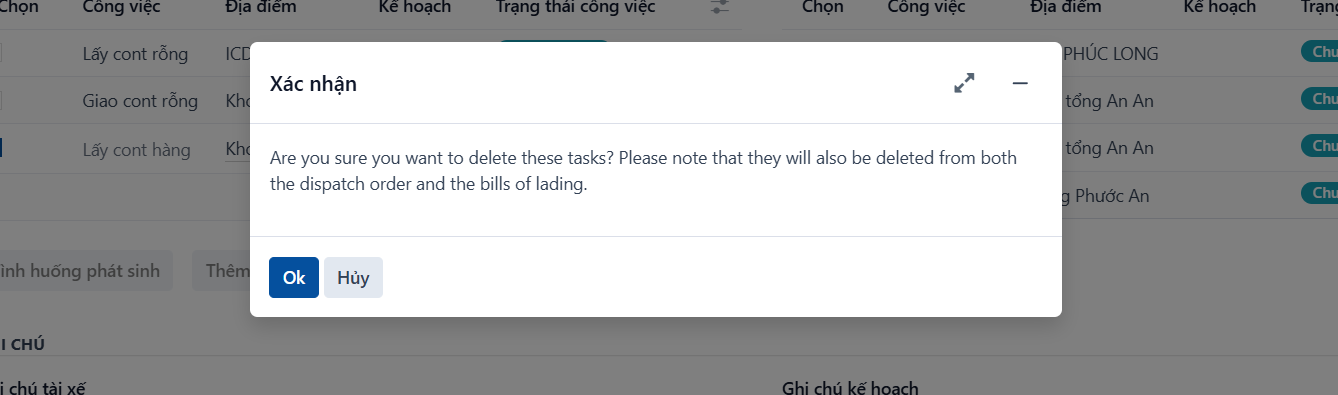
- Step 1: open a container or waybill → scroll down to the task list → select the task you want to delete (1) → click “Delete task” (2) → confirm in the popup.
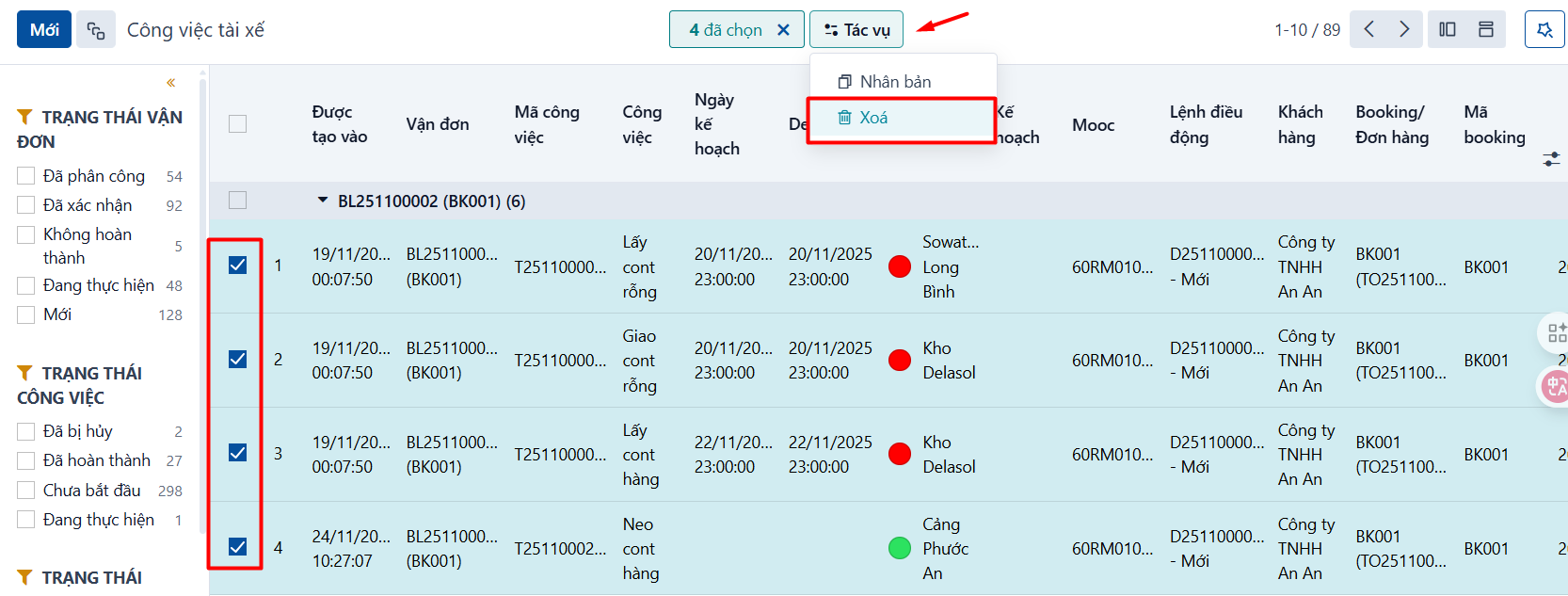
- Step 2: open the task list in one of the task menus → tick the tasks you want to delete → click ACTIONS → click the delete action.
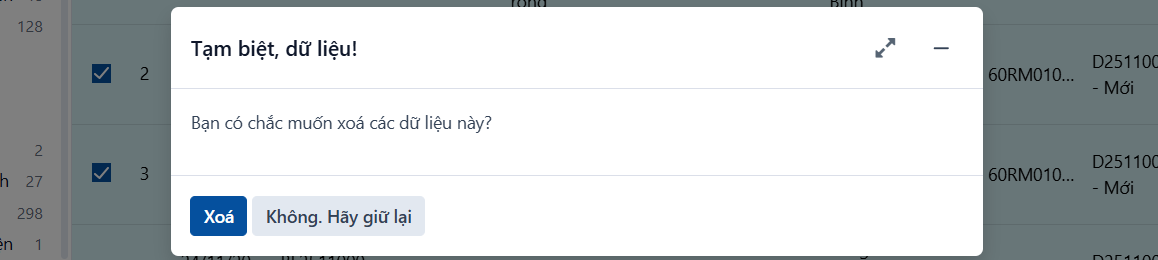
- Step 3: the system asks you to confirm. If you are sure, click DELETE.
PREVIOUSCanceling a task