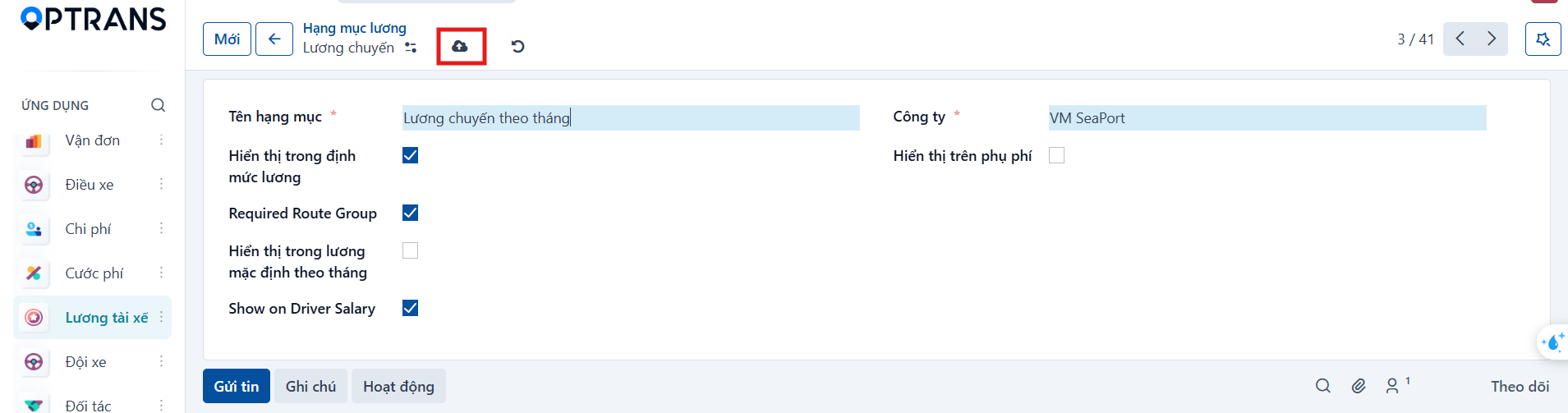
Purpose
Salary items are the data used to configure driver salaries. You can declare trip salary items and monthly salary items, set whether they appear on the payslip or in the surcharge section, and set the conditions for using them per route.
Access
Menu: Driver salary > Salary items
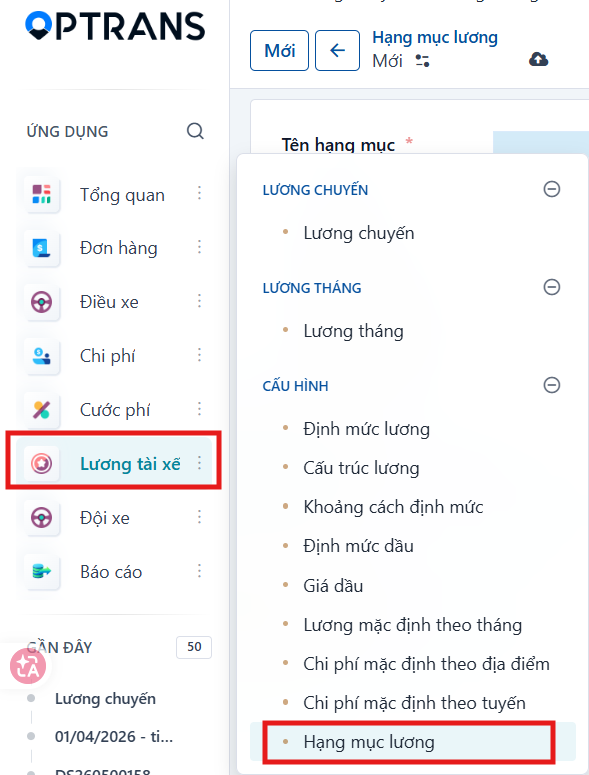
Creating a salary item
Step 1
Enter the general information for the item.
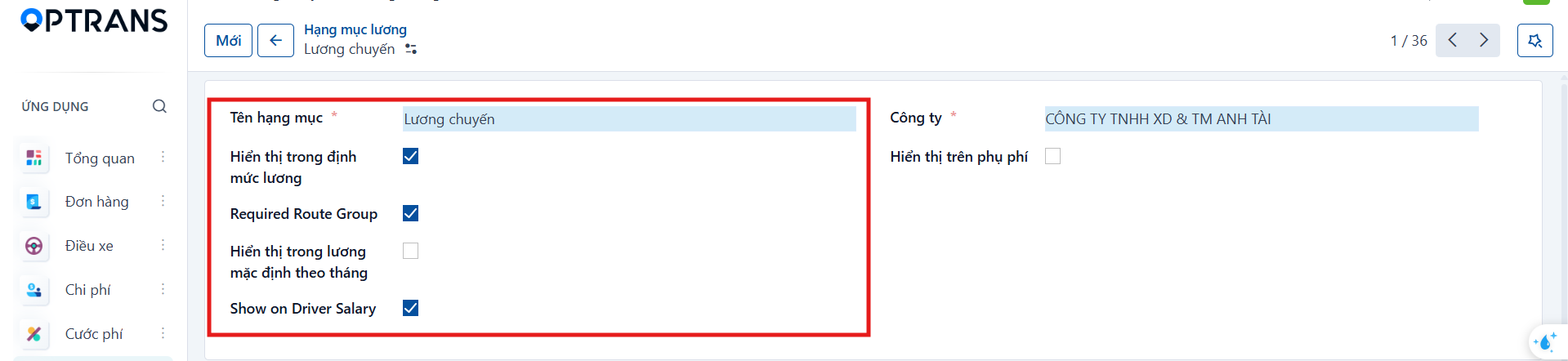
| Field | Meaning |
|---|---|
| Item name | Name of the salary item. |
| Show in salary standards | Allows the item to be used in the salary standard configuration. |
| Required Route Group | A route group must be selected when the item is used. |
| Show in monthly default salary | Allows the item to be used in the monthly default salary. |
| Show on Driver Salary | Show the item on the driver payslip. |
| Show on surcharge | Show the item in the surcharge section. |
| Company | Company it applies to. |
Step 2
Click Save manually to finish.