Purpose
Default costs by location are used to declare the amount of each cost type per location and effective date.
Access
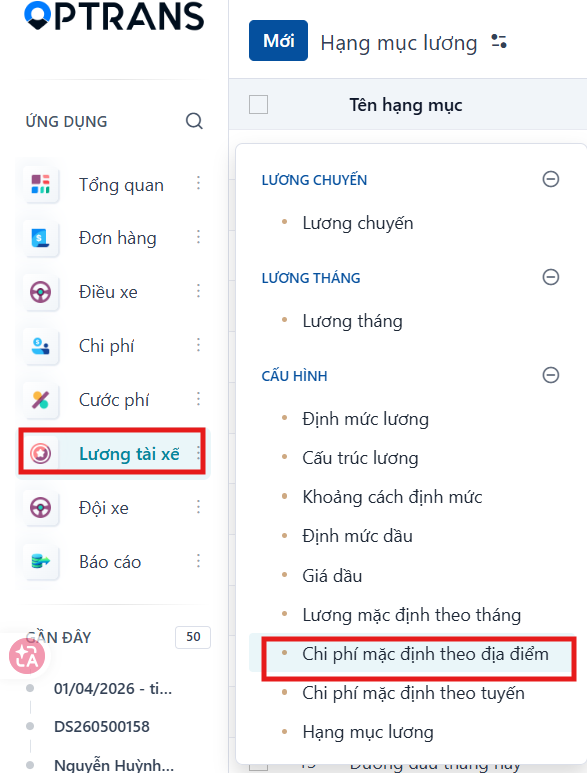
Menu: Driver salary > Default costs by location
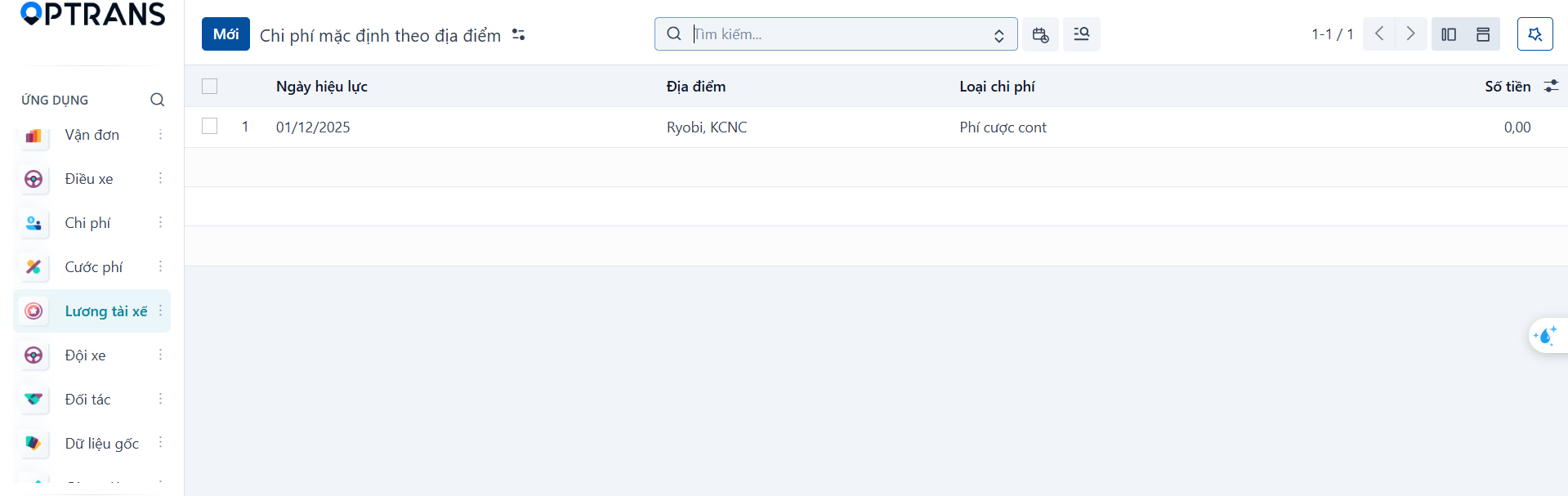
The list shows the default costs already declared per location.
Creating a cost by location
Step 1
Click New.

Step 2
Enter the cost information.
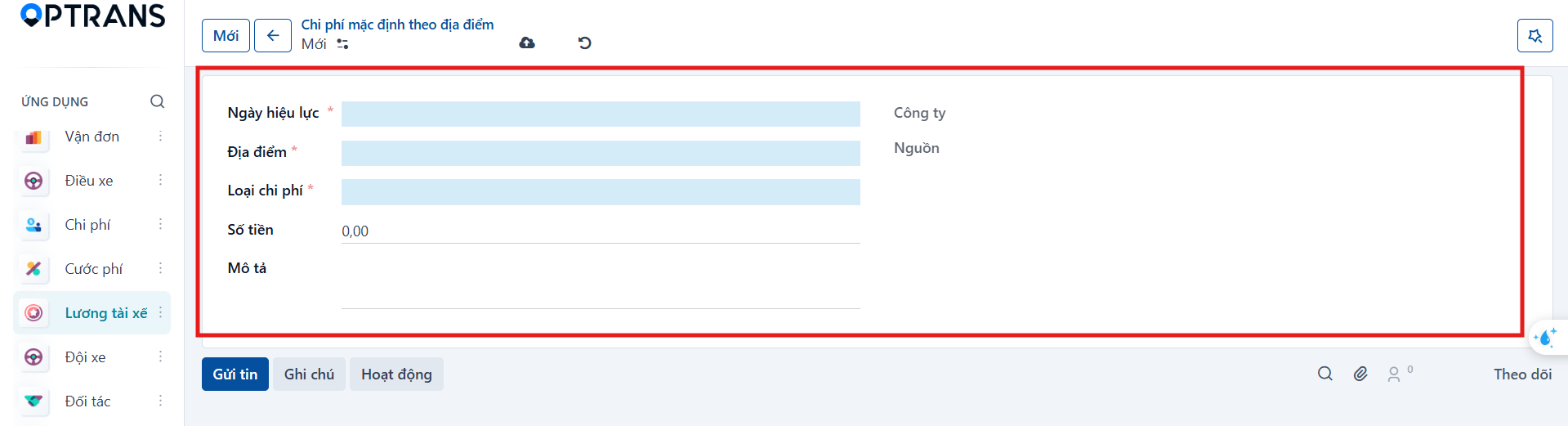
| Field | Meaning |
|---|---|
| Effective date | Date the cost starts applying. |
| Location | Location it applies to. |
| Cost type | Type of cost to configure. |
| Amount | Default amount. |
| Description | Additional notes. |
| Company | Company it applies to. |
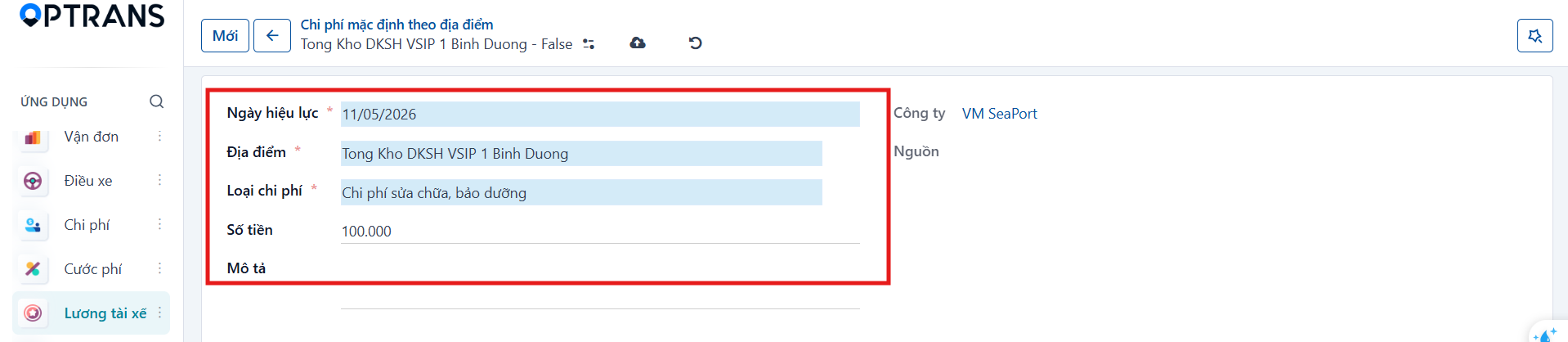
Step 3
Click Save manually to finish.
