Overview
A charge item is a type of charge or surcharge used when calculating freight charges. Here you declare the item name, the company it applies to, the display flags and the required conditions.
Creating a charge item
Step 1
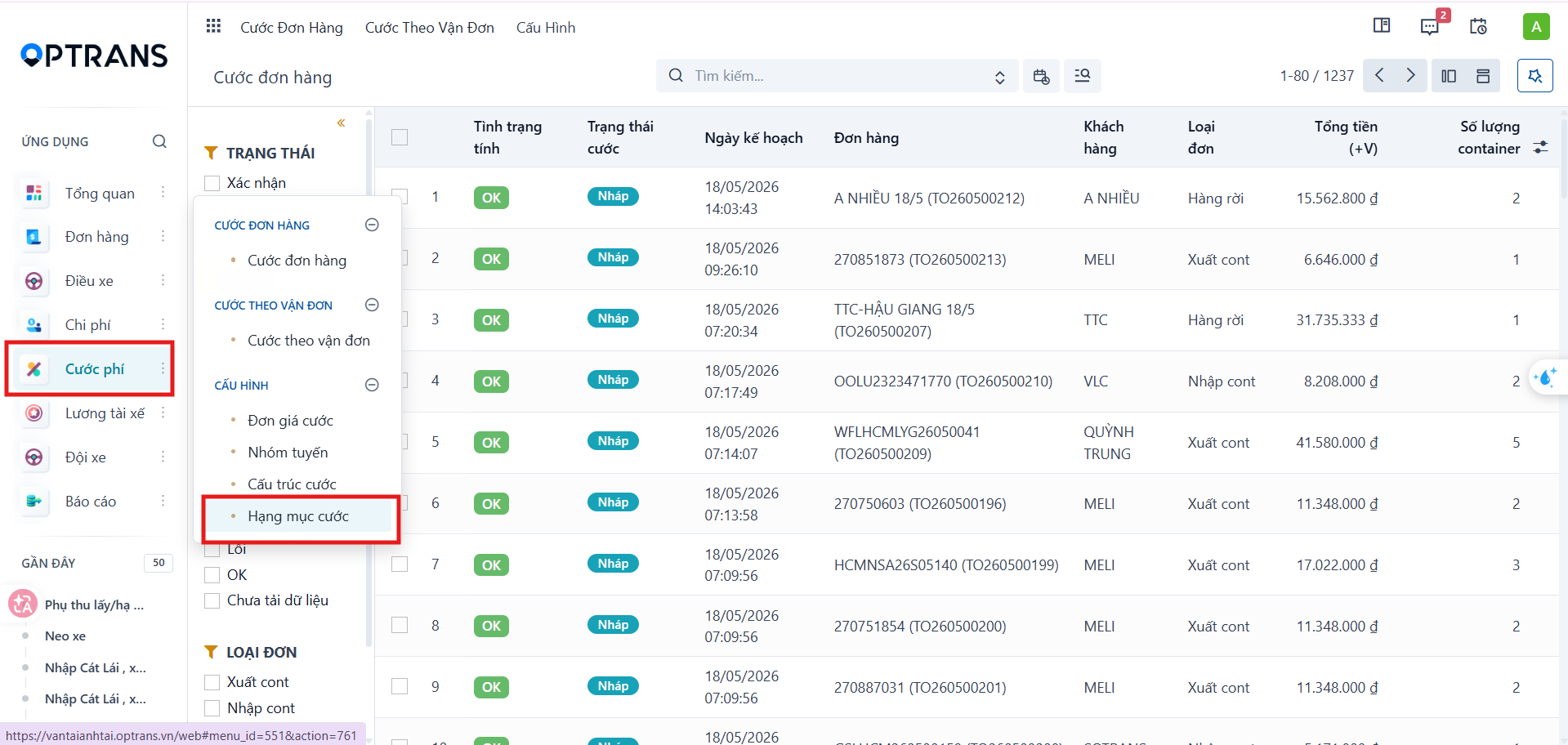
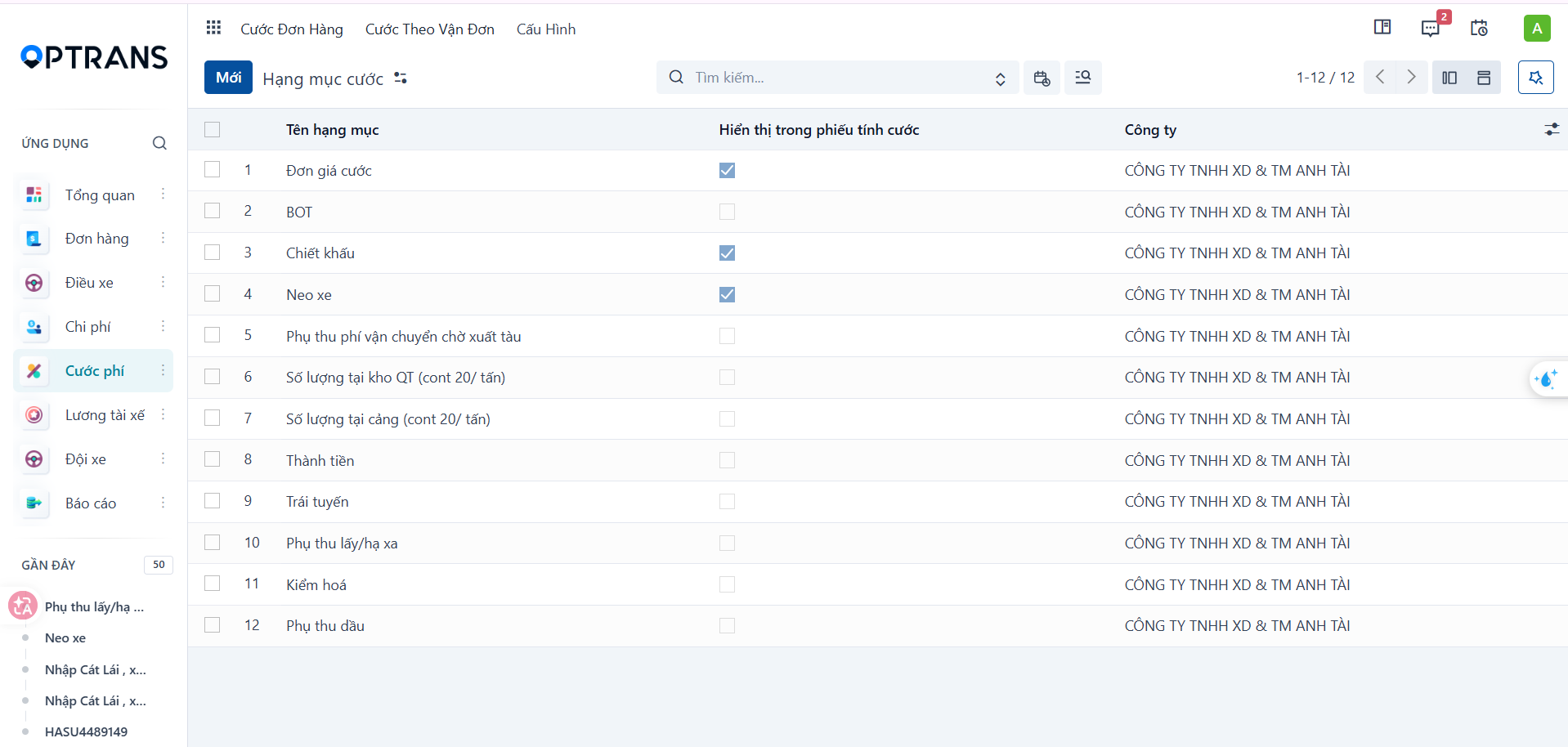
Go to Freight charges > Configuration > Charge items. The system shows the list of charge items already declared.
Step 2
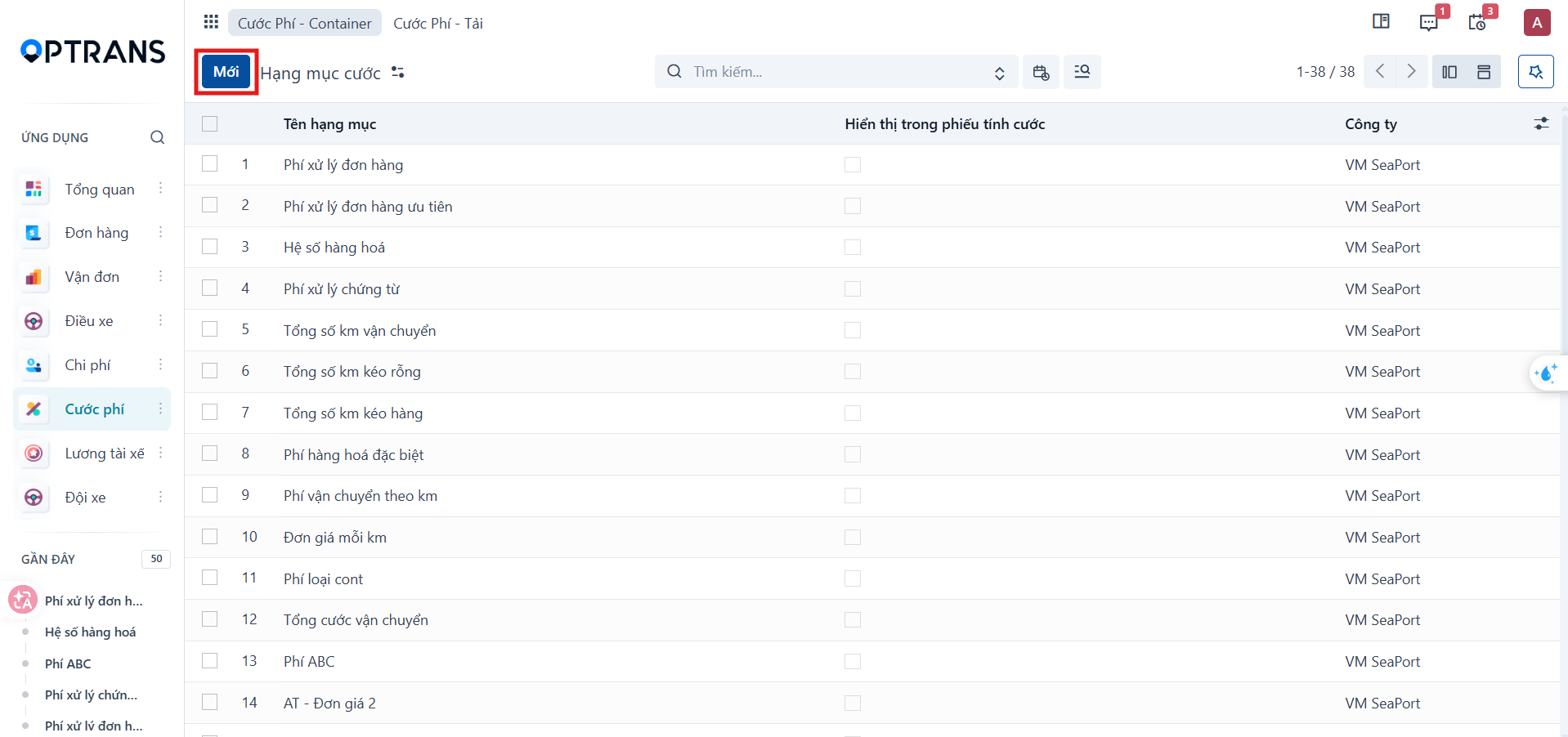
Click New to open the charge item declaration screen.
Step 3
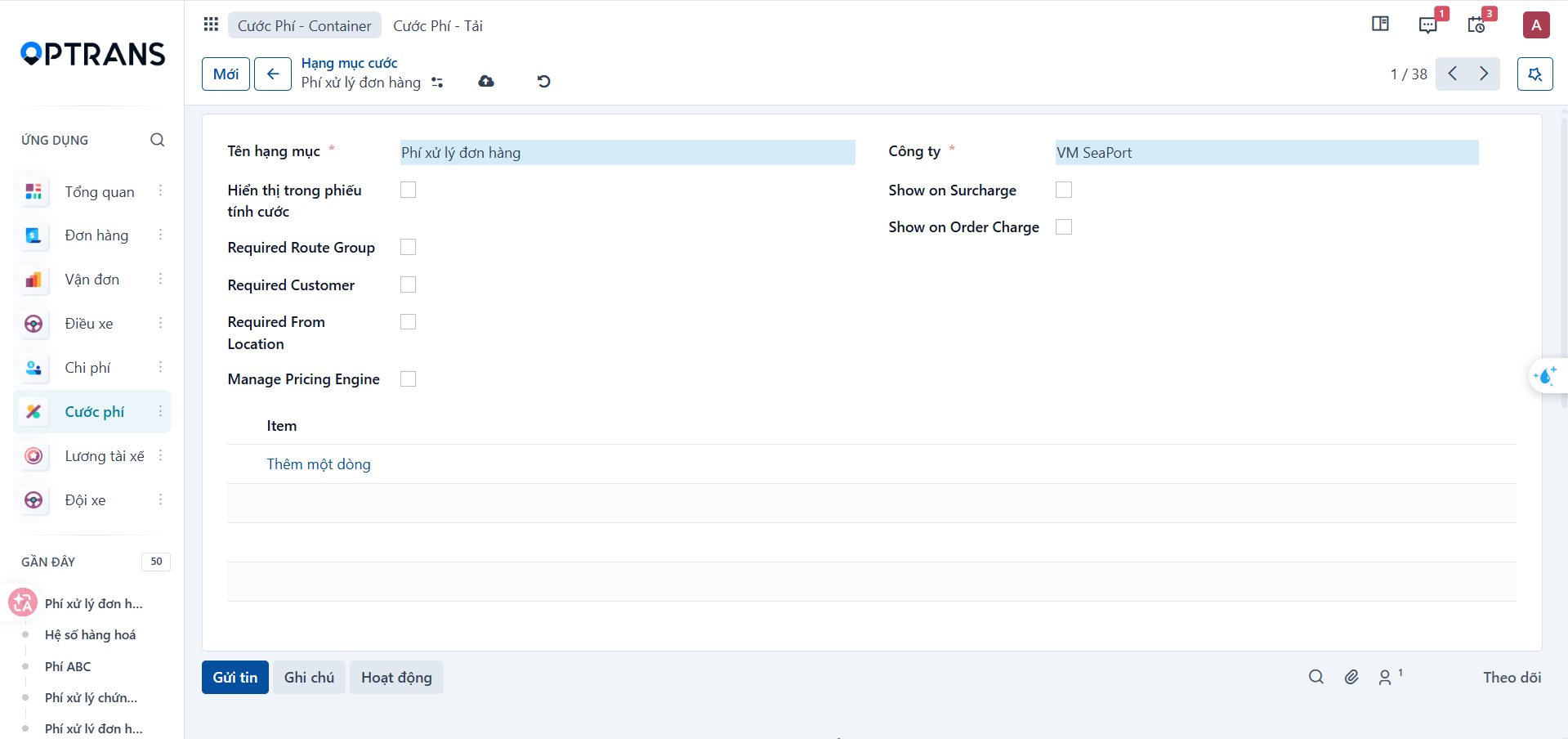
Fill in the charge item information.
| Field | Meaning |
|---|---|
| Item name | Name of the charge or surcharge used when calculating freight charges. |
| Company | Company the charge item applies to. |
| Show on freight charge sheet | Allows the item to appear on the freight charge sheet. |
| Show on Surcharge | Show the item in the surcharge section. |
| Show on Order Charge | Show the item in the order charge section. |
| Required Route Group | A route group must be selected when the item is applied. |
| Required Customer | A customer must be selected when the item is applied. |
| Required From Location | An origin must be declared when the item is applied. |
| Manage Pricing Engine | Allows the item to take part in the system’s automatic pricing mechanism. |
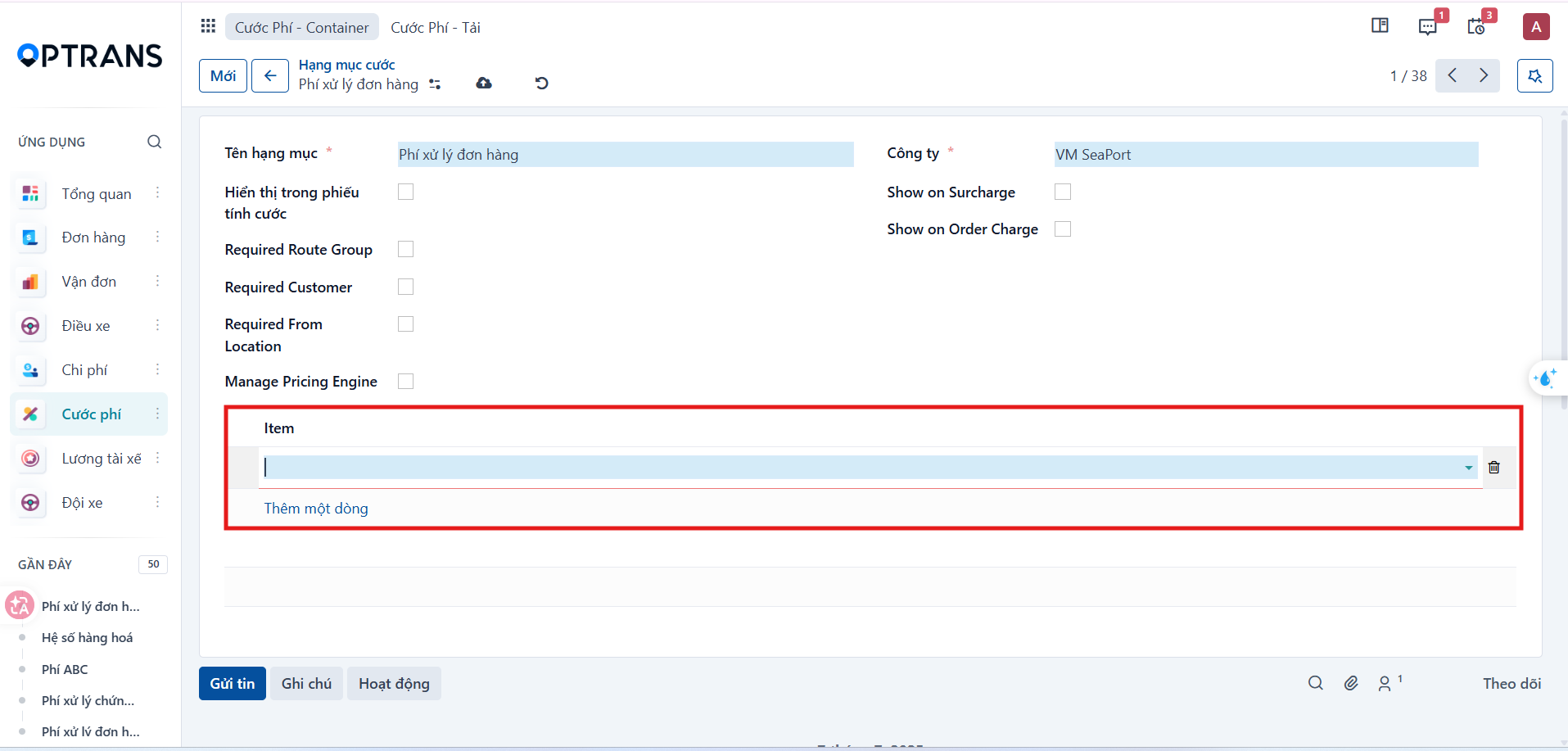
Declaring Items
In the Item section, click Add a line to declare the detailed charge components required by your business.
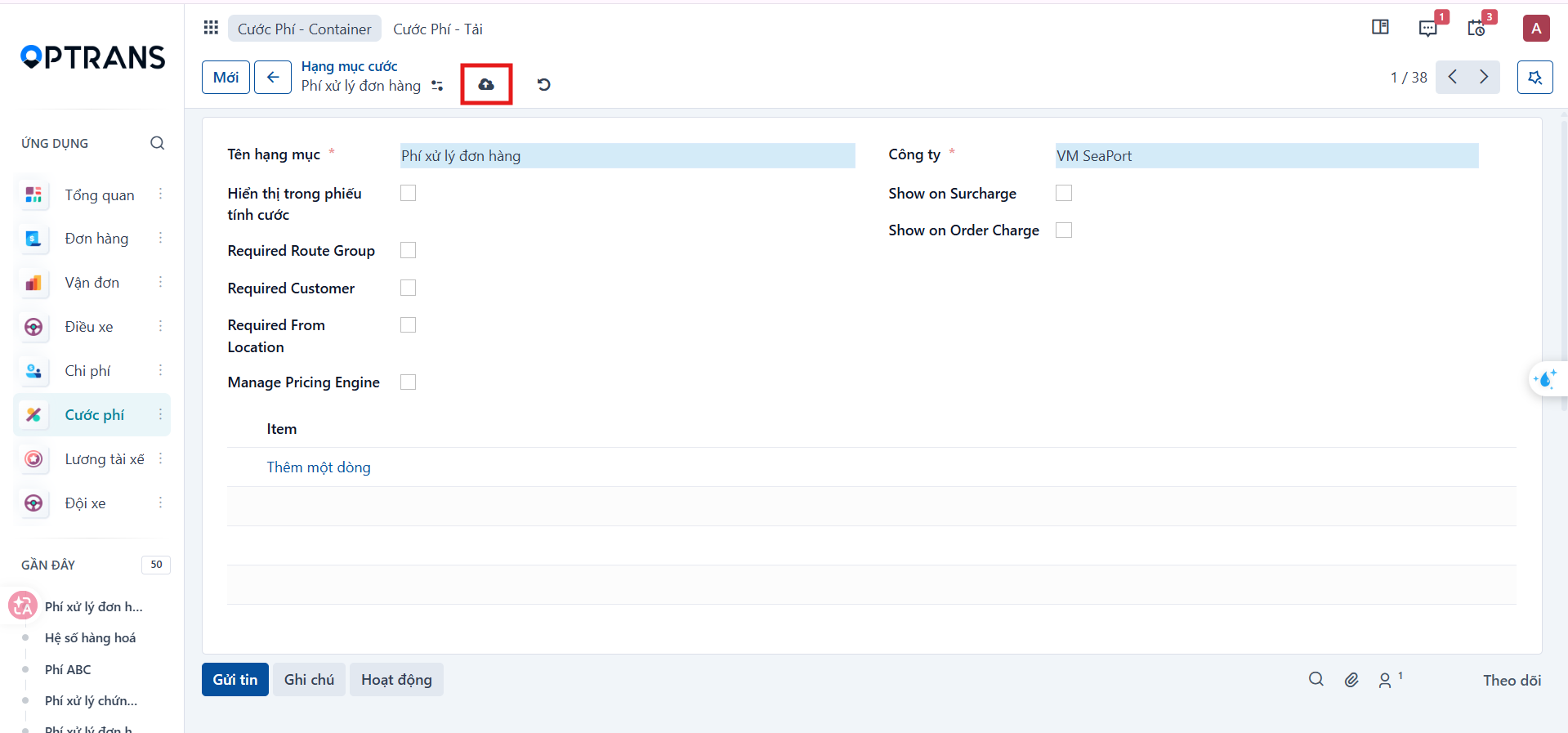
Saving the charge item
Review all the configuration, then click Save manually to record the charge item in the system.
PREVIOUSRoute groups overview