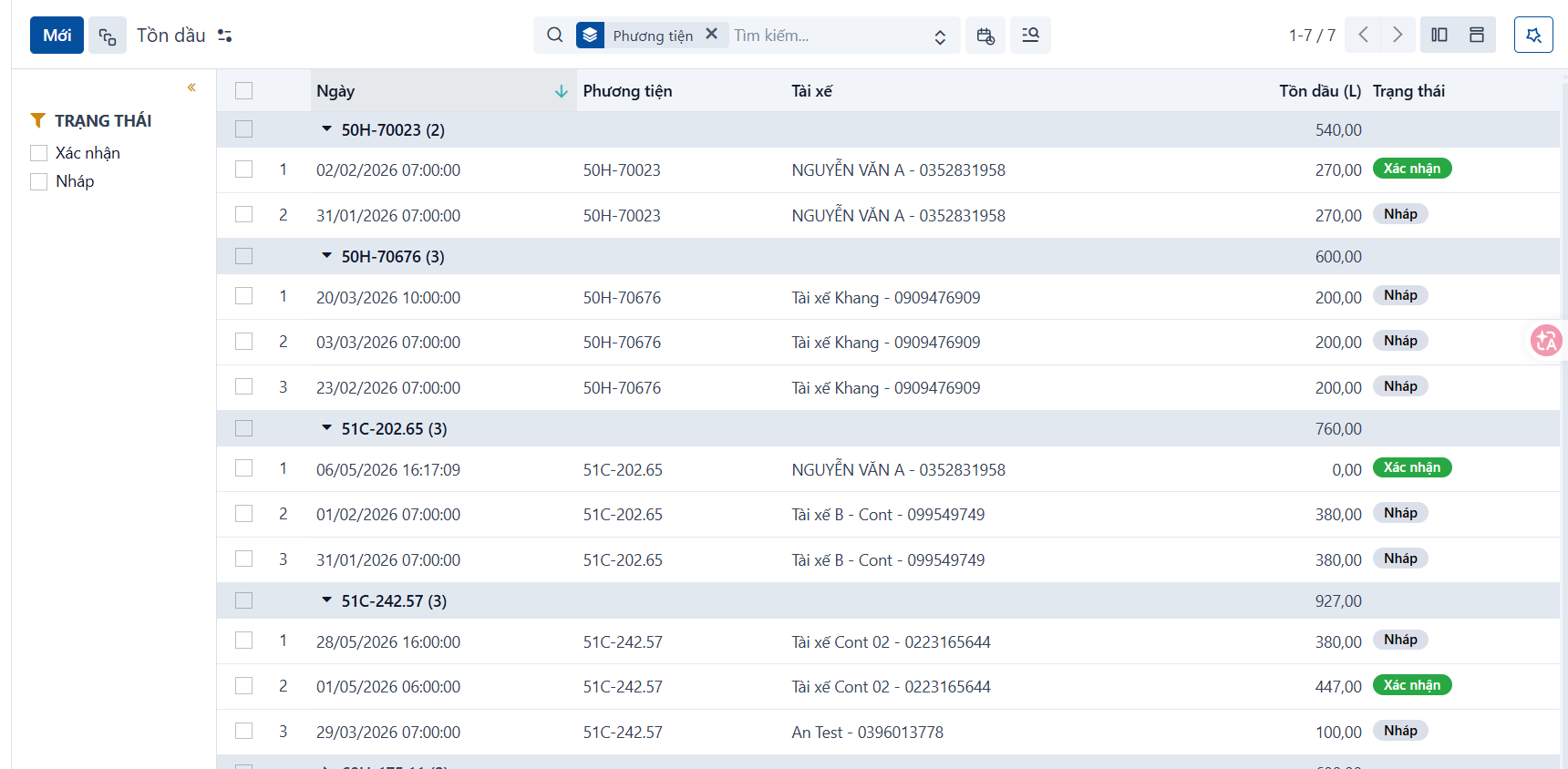
Access
Menu: Fleet > Fuel inventory
Access rights: Master Data User
Use this screen to view and manage the fuel inventory of each vehicle.
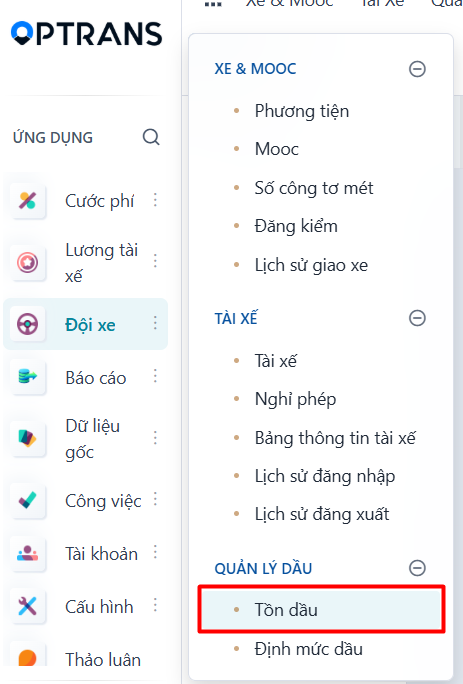
Steps
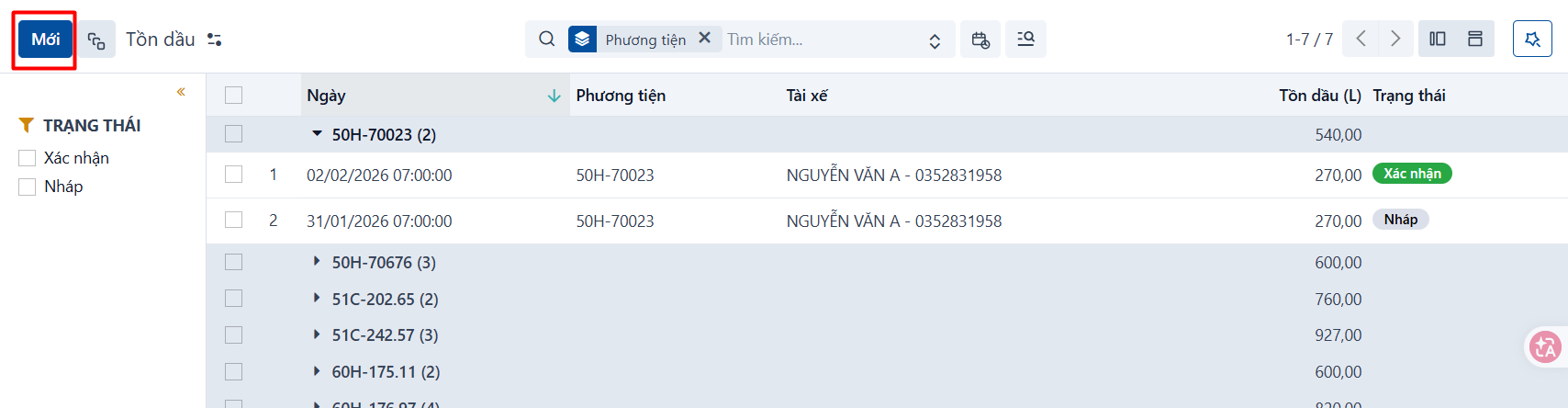
Step 1
Click NEW to create a new fuel inventory record.
Step 2
After you click NEW, the system opens the form view. Enter the information to create the new fuel inventory record.
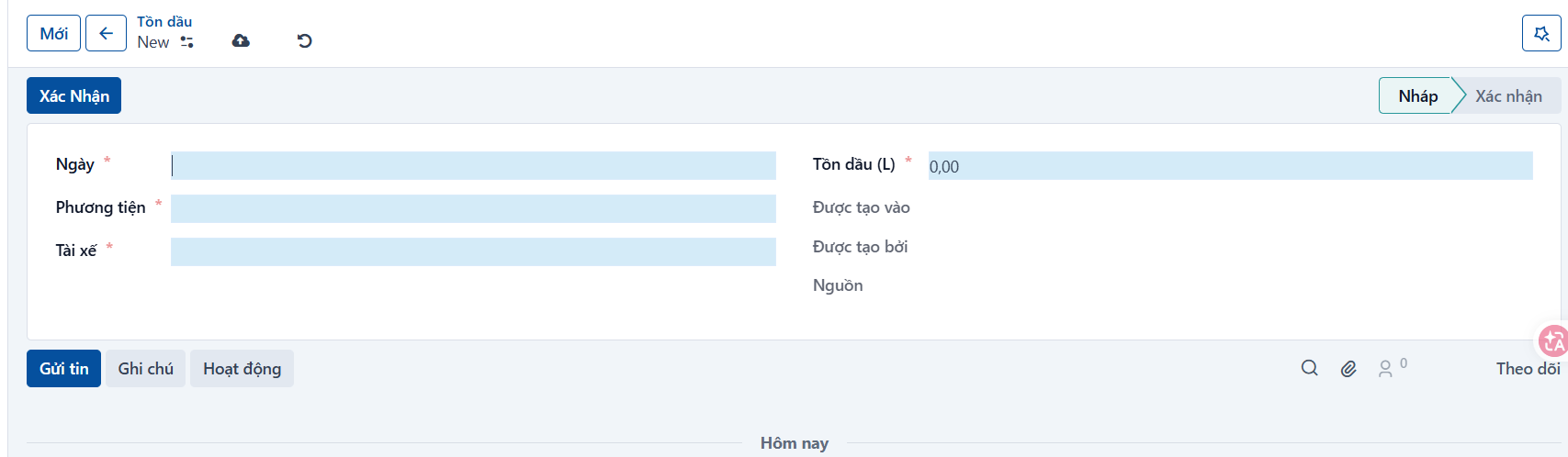
INFORMATION TO FILL IN
| No. | Field | Notes |
|---|---|---|
| 1 | Date | Required. Select the date the fuel inventory is recorded. |
| 2 | Vehicle | Required. Select the vehicle being recorded. |
| 3 | Driver | When you select the vehicle, the assigned driver is filled in automatically. |
| 4 | Fuel inventory (L) | Required. Enter the actual fuel inventory. |
Step 3
Click CONFIRM to save the record and move it to the next state. The result after saving the fuel inventory record:
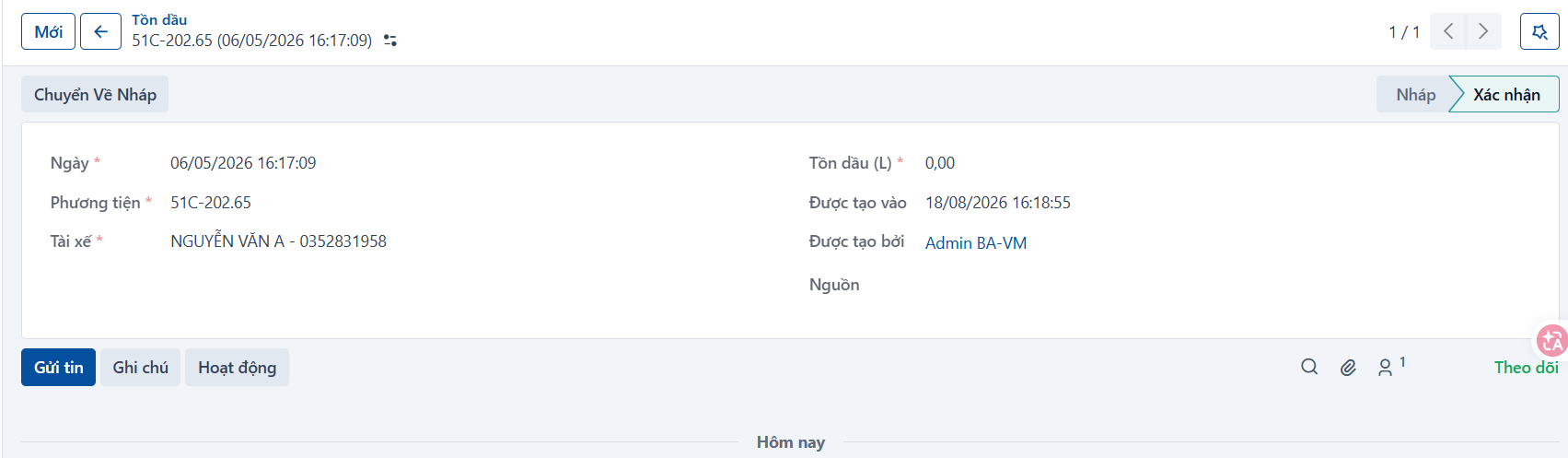
Result
The fuel inventory record has been created successfully.