Viewing support information
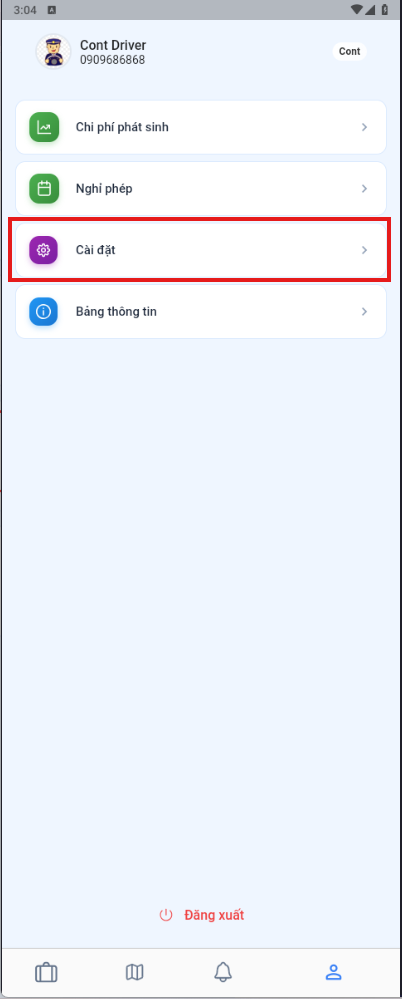
- Open the User management menu.
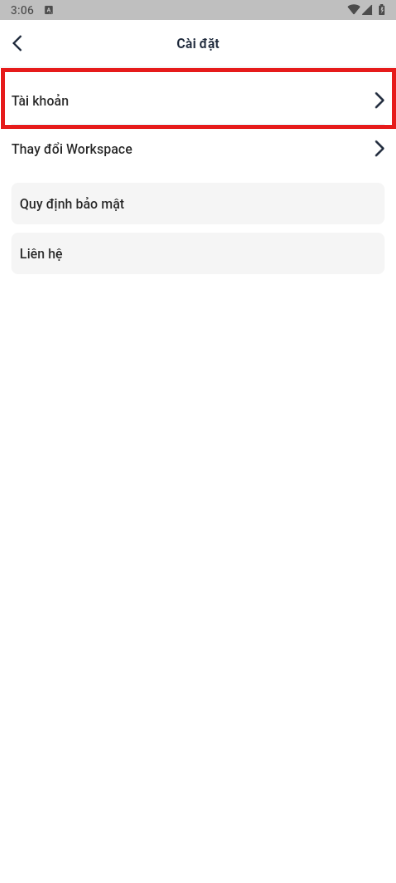
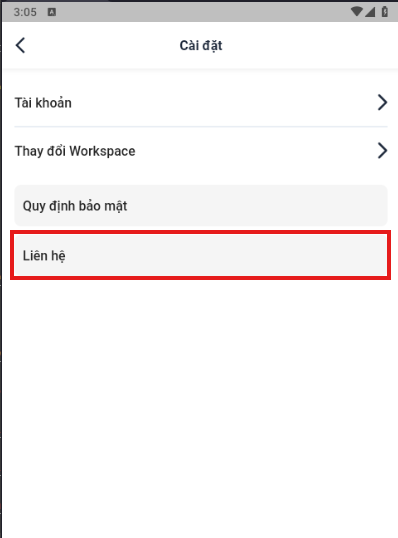
- Select Settings to see the available settings.
- Select Contact to see the support contact details.
Changing your password
- Open the User management menu.
- Select Settings.
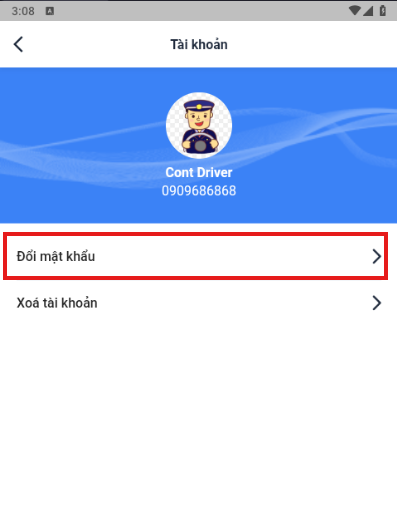
- Select Account.
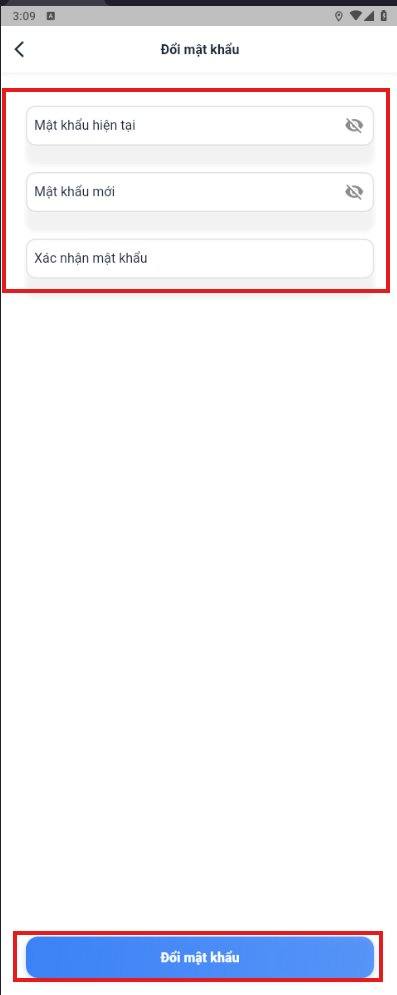
- Select Change password and follow the instructions in the app.