Access
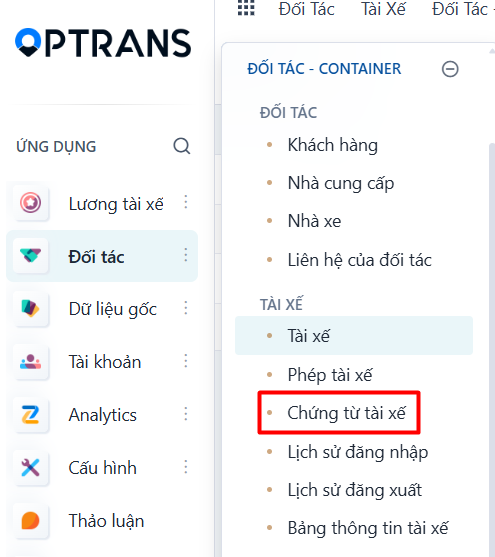
Menu: Partners > Driver documents
Access rights: Master Data User
Use the path above to open the screen where you create a driver profile.
Steps
Step 1
Click NEW to create a driver profile.
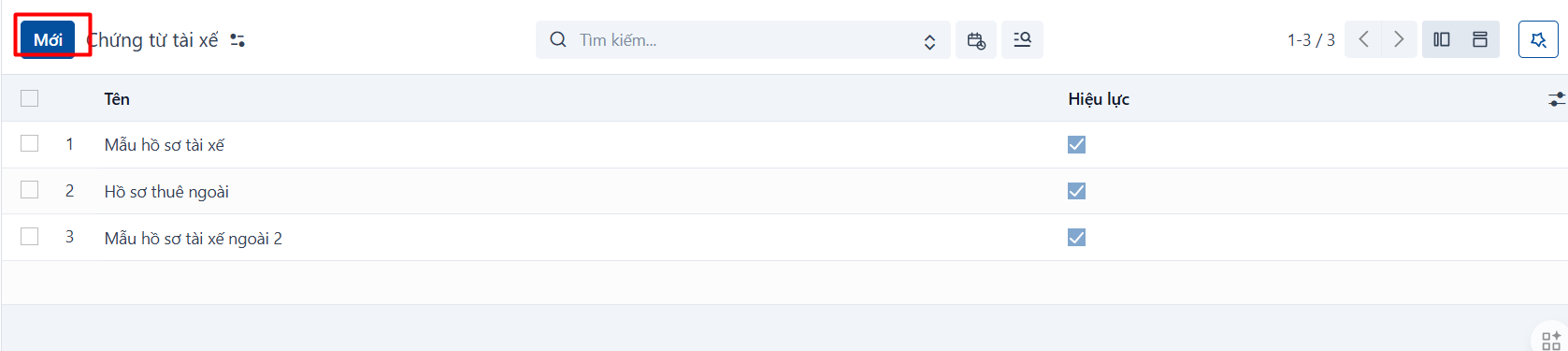
Step 2
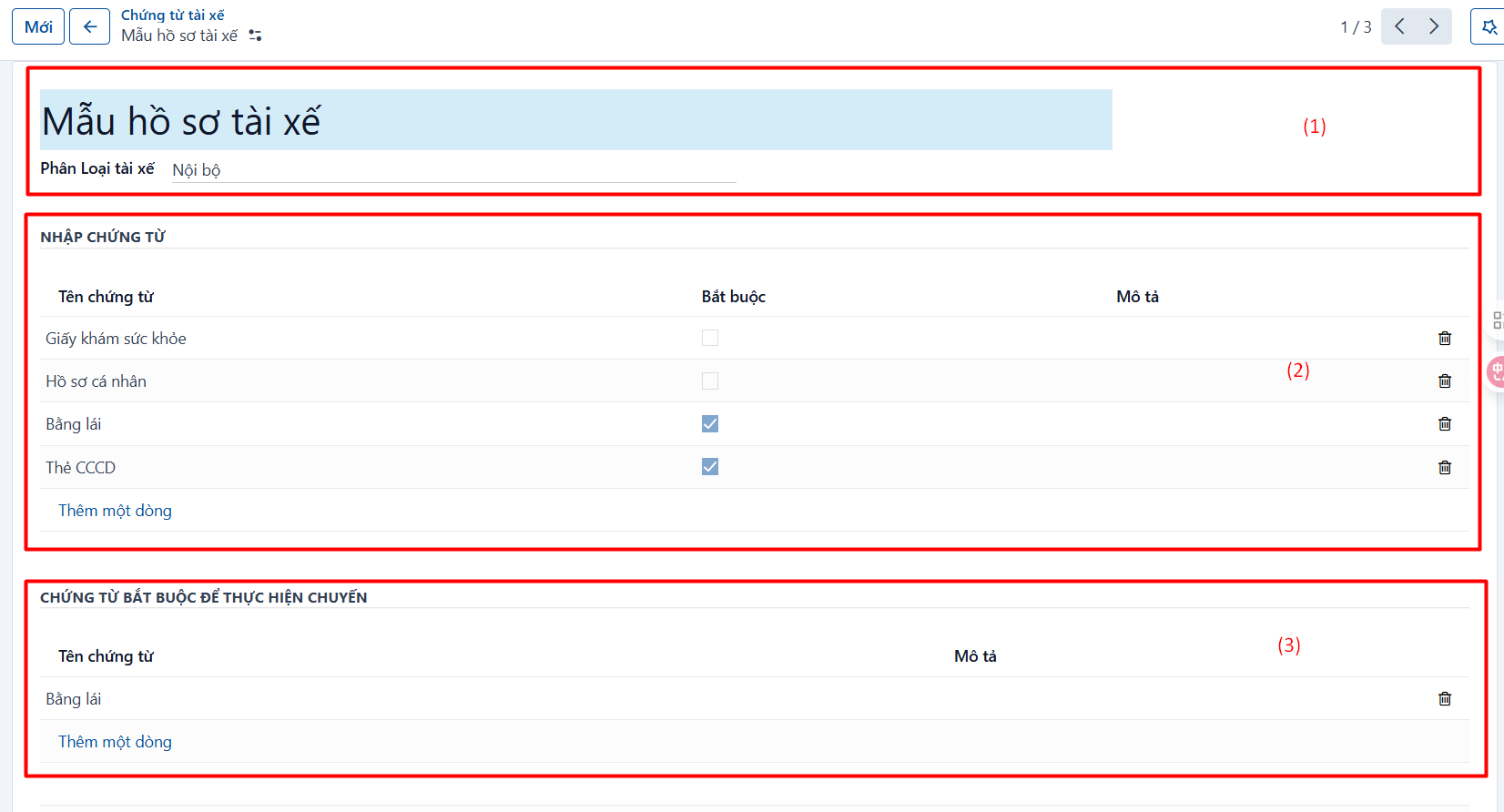
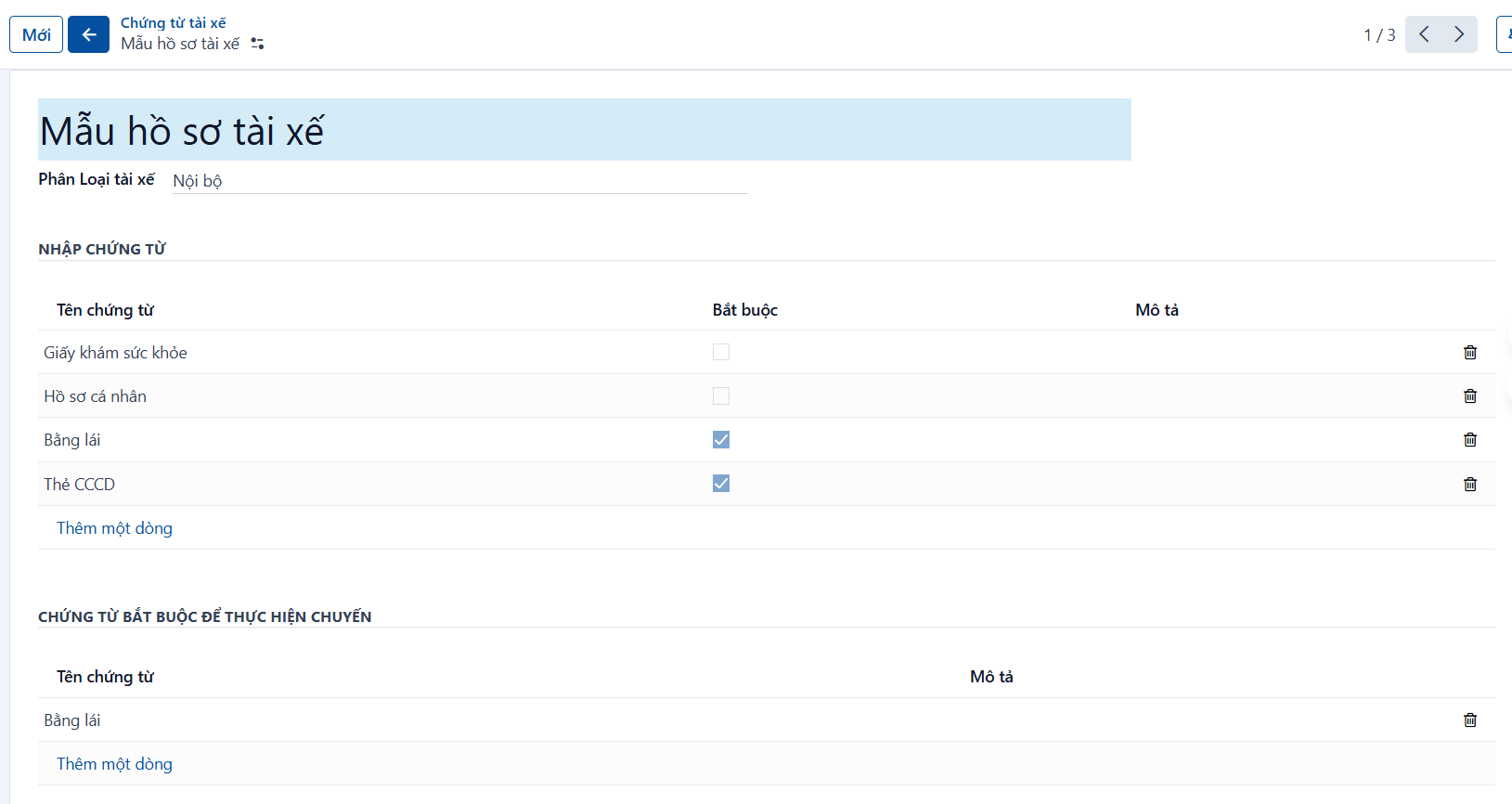
After you click NEW, the system opens the form view. Enter the driver profile information.
Step 3
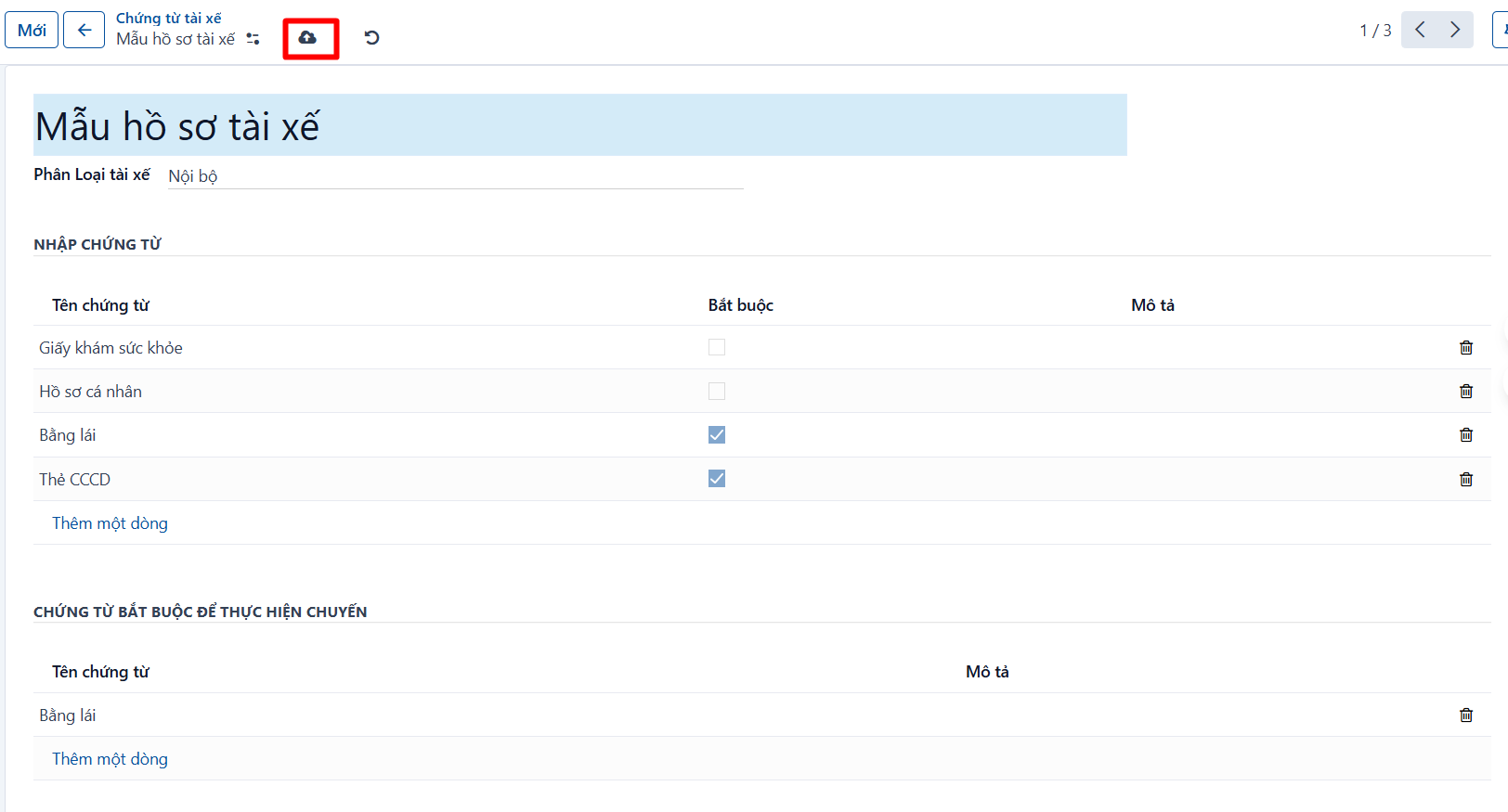
Click SAVE to save what you have entered.
Fields to pay attention to
General information
| No. | Field | Notes |
|---|---|---|
| 1 | Driver profile name | Enter the name of the driver profile. |
| 2 | Driver category | The profile applies to an In-house driver or an Outsourced driver. |
Documents to add
| No. | Field | Notes |
|---|---|---|
| 3 | Document name | Select the document type to add. The document list is configured under Documents. |
| 4 | Required | Whether this document is required when creating a driver. |
| 5 | Description | Enter a description. |
Documents required to run a trip
| No. | Field | Notes |
|---|---|---|
| 6 | Document name | Select the document type to add. The document list is configured under Documents. |
| 7 | Description | Enter a description. |
Result
The record after it has been created successfully.
PREVIOUSDrivers
NEXTArea clusters