Steps
Step 1
Go to the Account module → open the Users menu → click the driver account whose phone number needs to change
Step 2
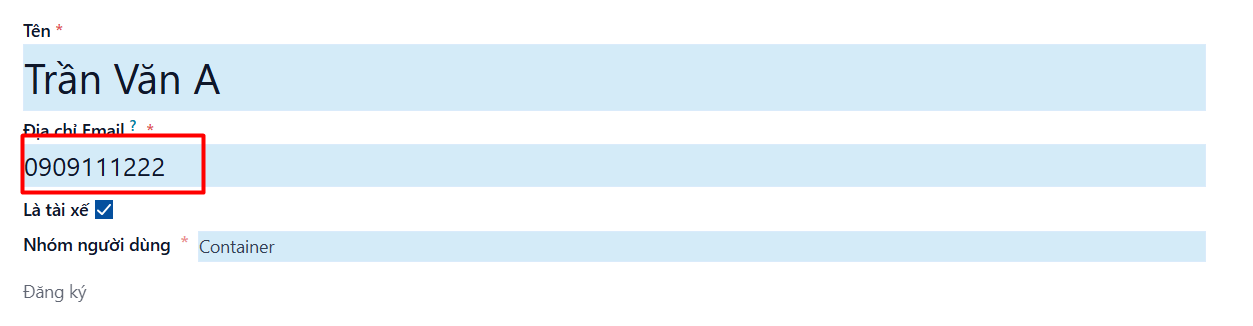
Enter the new phone number in the Email Address field
Step 3
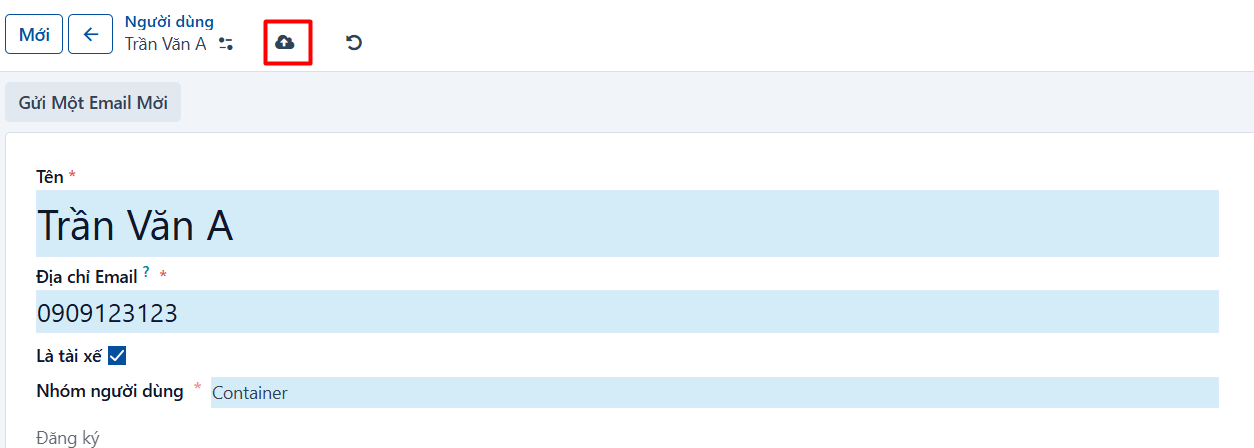
Click SAVE, or press CTRL + S, to finish
Go to the Account module → open the Users menu → click the driver account whose phone number needs to change
Enter the new phone number in the Email Address field
Click SAVE, or press CTRL + S, to finish