Payment and reimbursement statuses
There are four payment and reimbursement statuses:
-
Not processed: the payment or reimbursement to the driver has not been processed.
-
In progress: the payment or reimbursement to the driver is being processed.
-
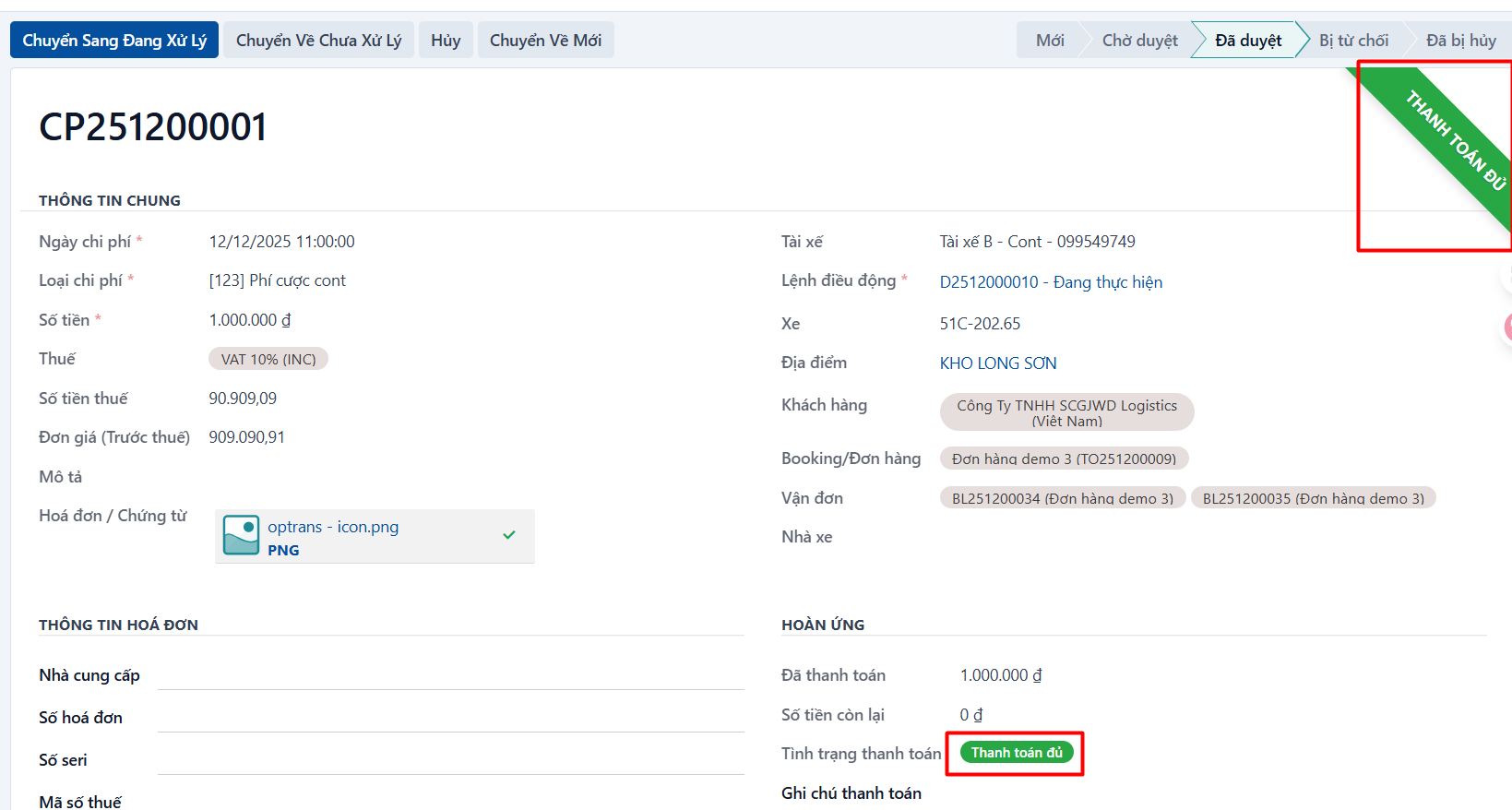
Paid in full: the driver has been paid or reimbursed the full amount.
-
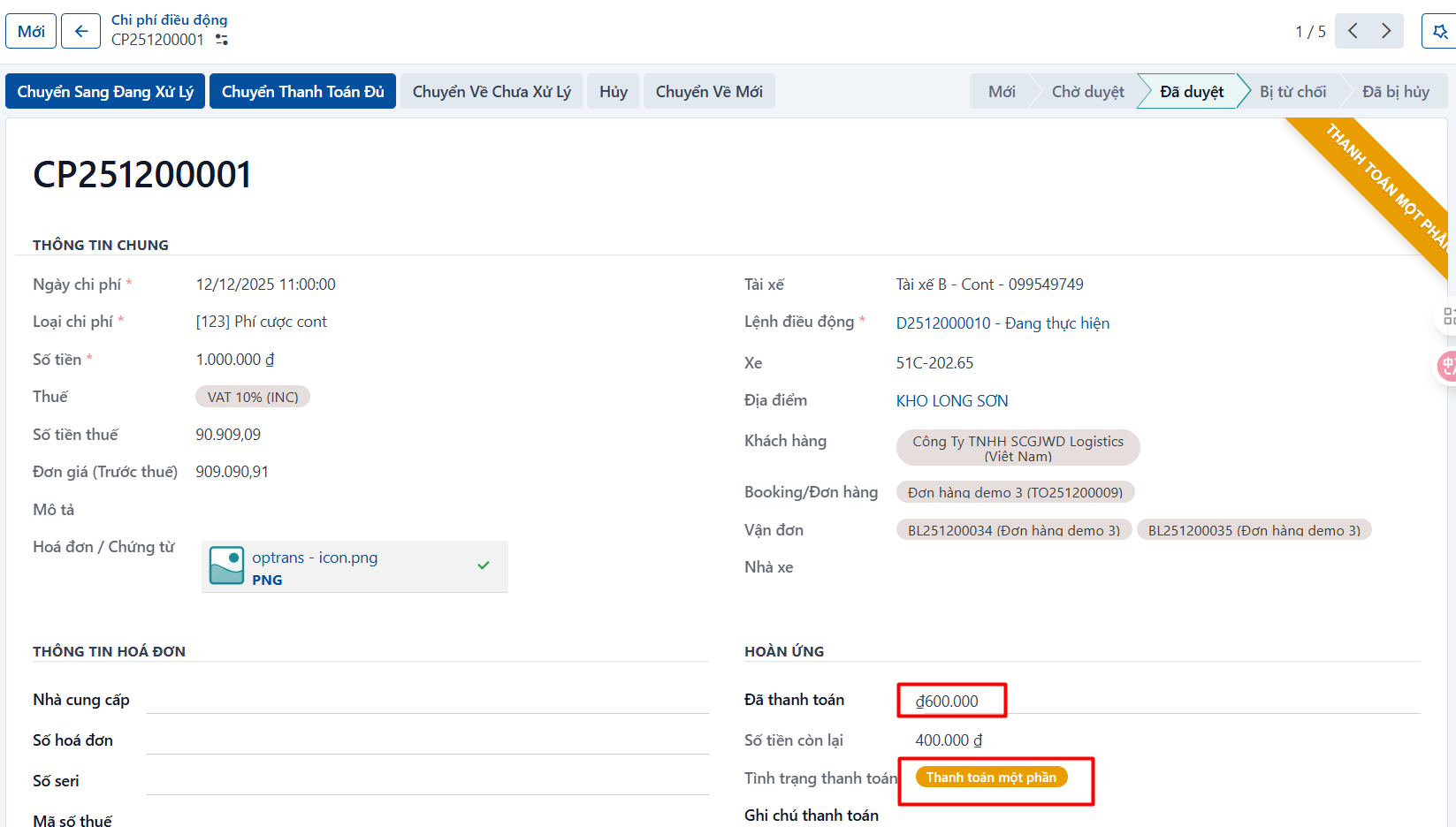
Partially paid: the driver has been paid or reimbursed part of the amount.
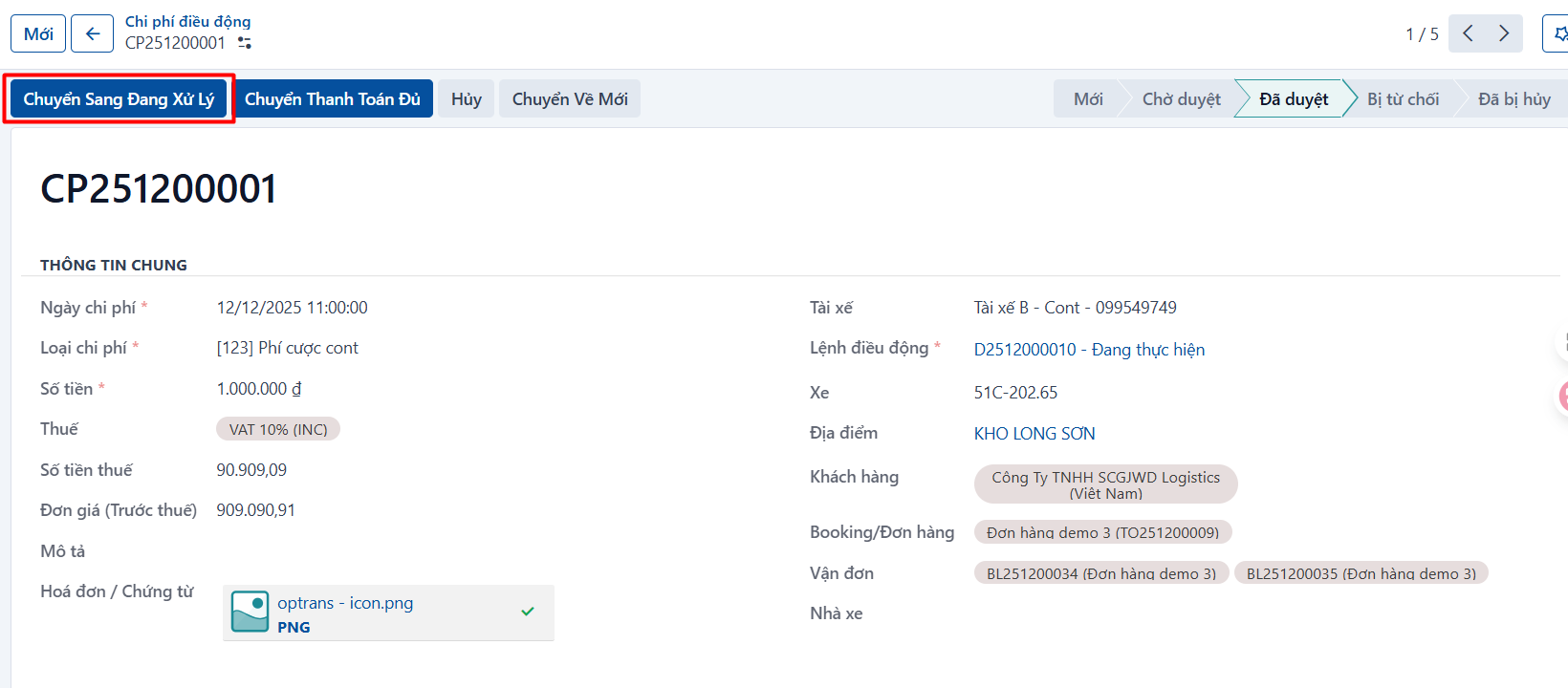
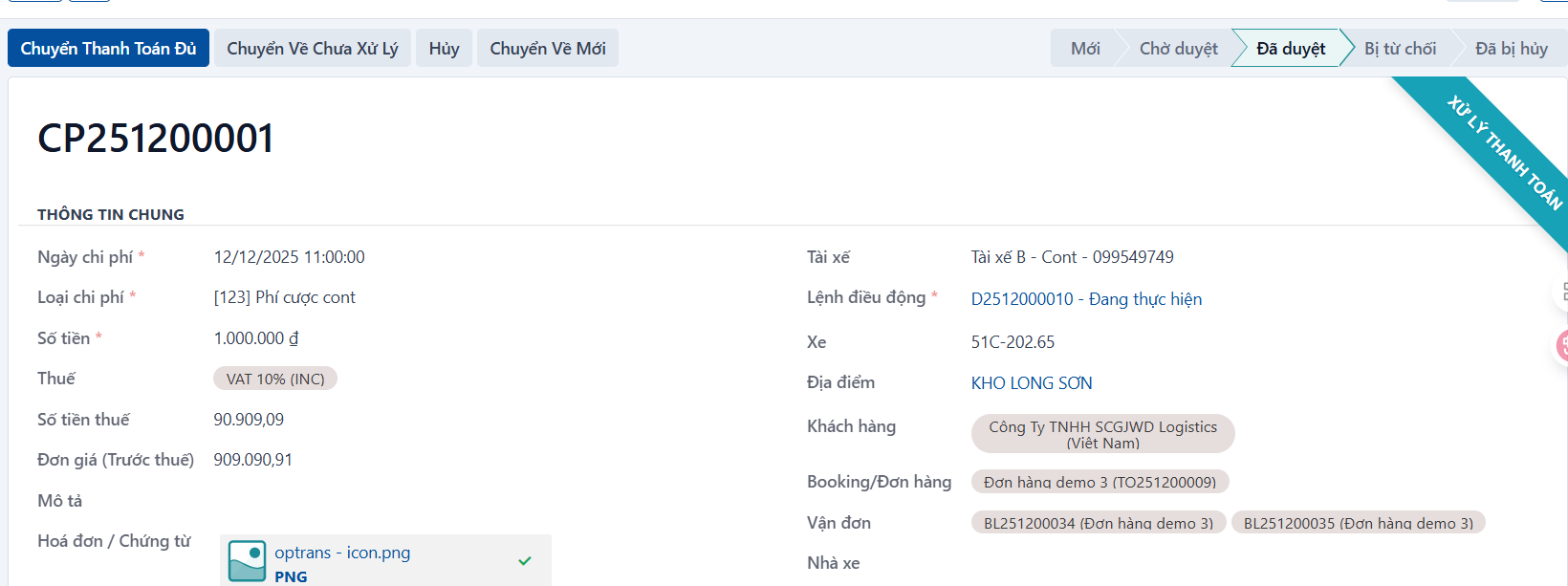
Marking In progress
On an APPROVED cost record, click MOVE TO IN PROGRESS.
Marking Paid in full
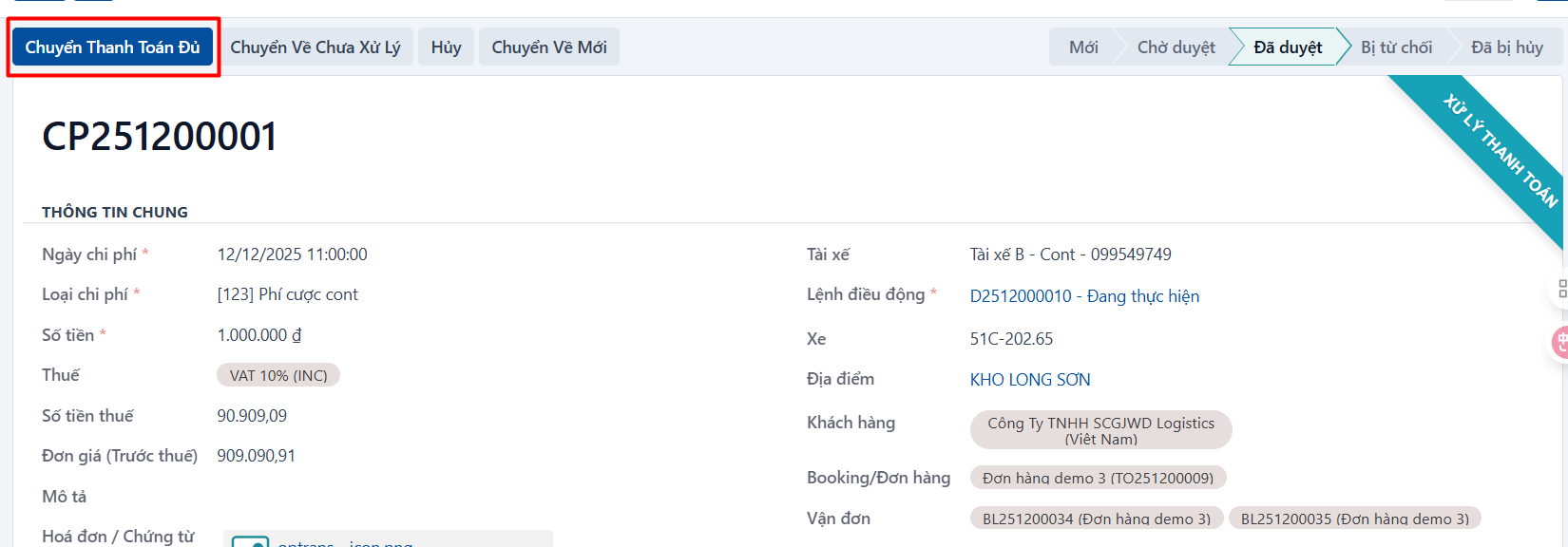
On an APPROVED cost record, click MOVE TO PAID IN FULL.
Marking Partially paid
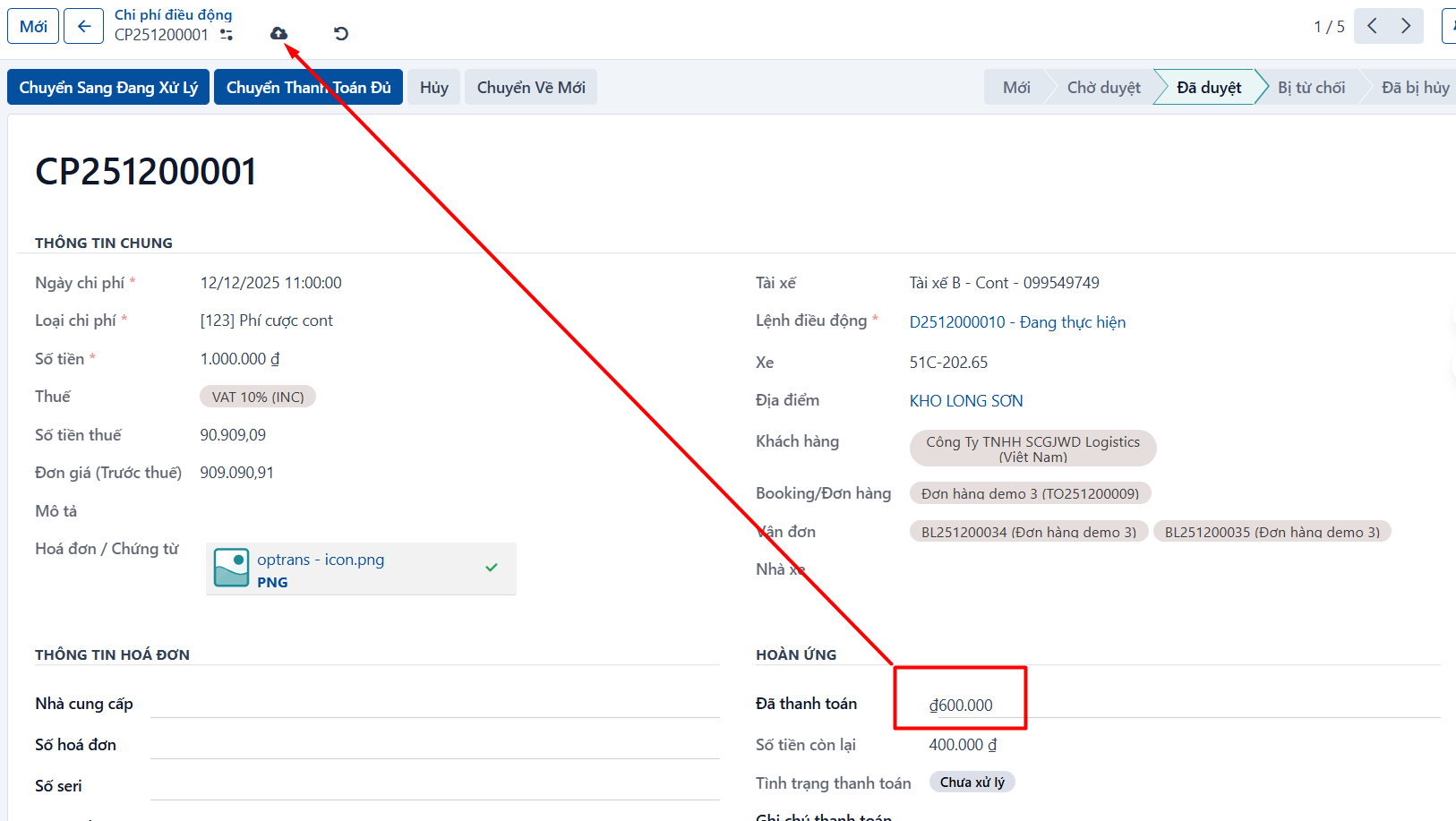
On an APPROVED cost record, enter the amount already paid and click save. The system moves the record to the PARTIALLY PAID status automatically.
PREVIOUSRejecting a cost
NEXTOverview report