To change your password, do the following:
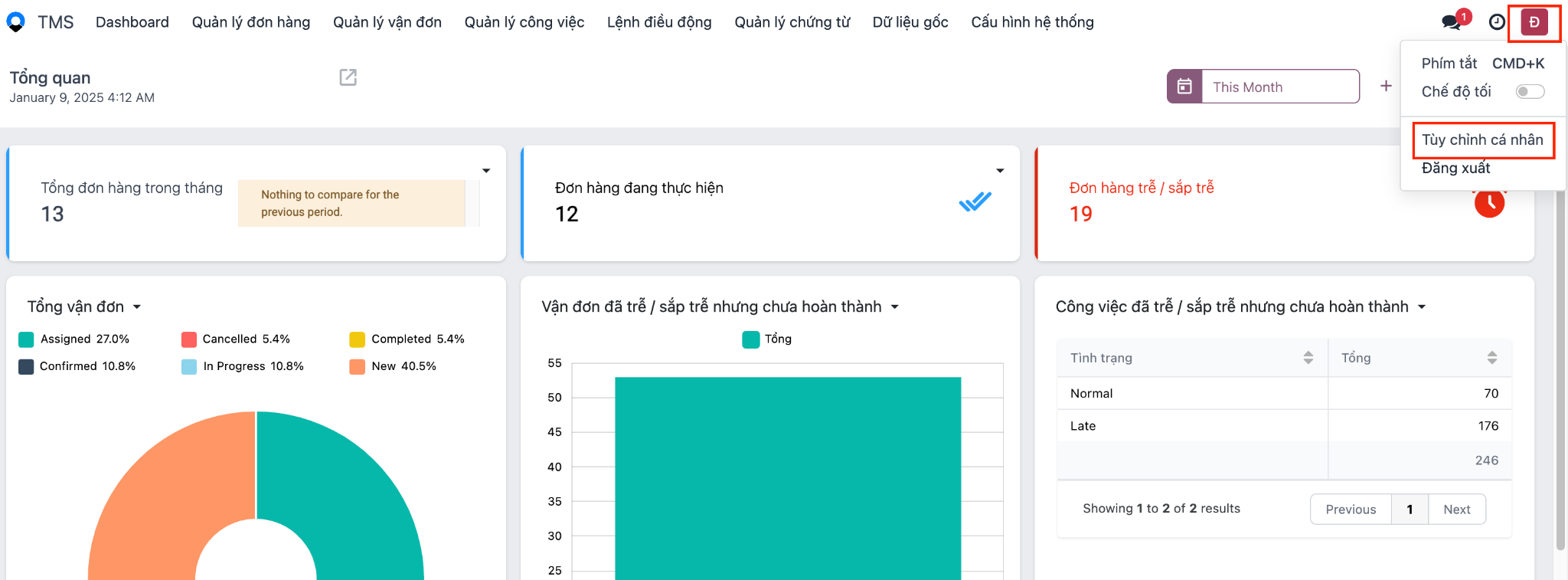
- Click your avatar in the top right corner → click Preferences:
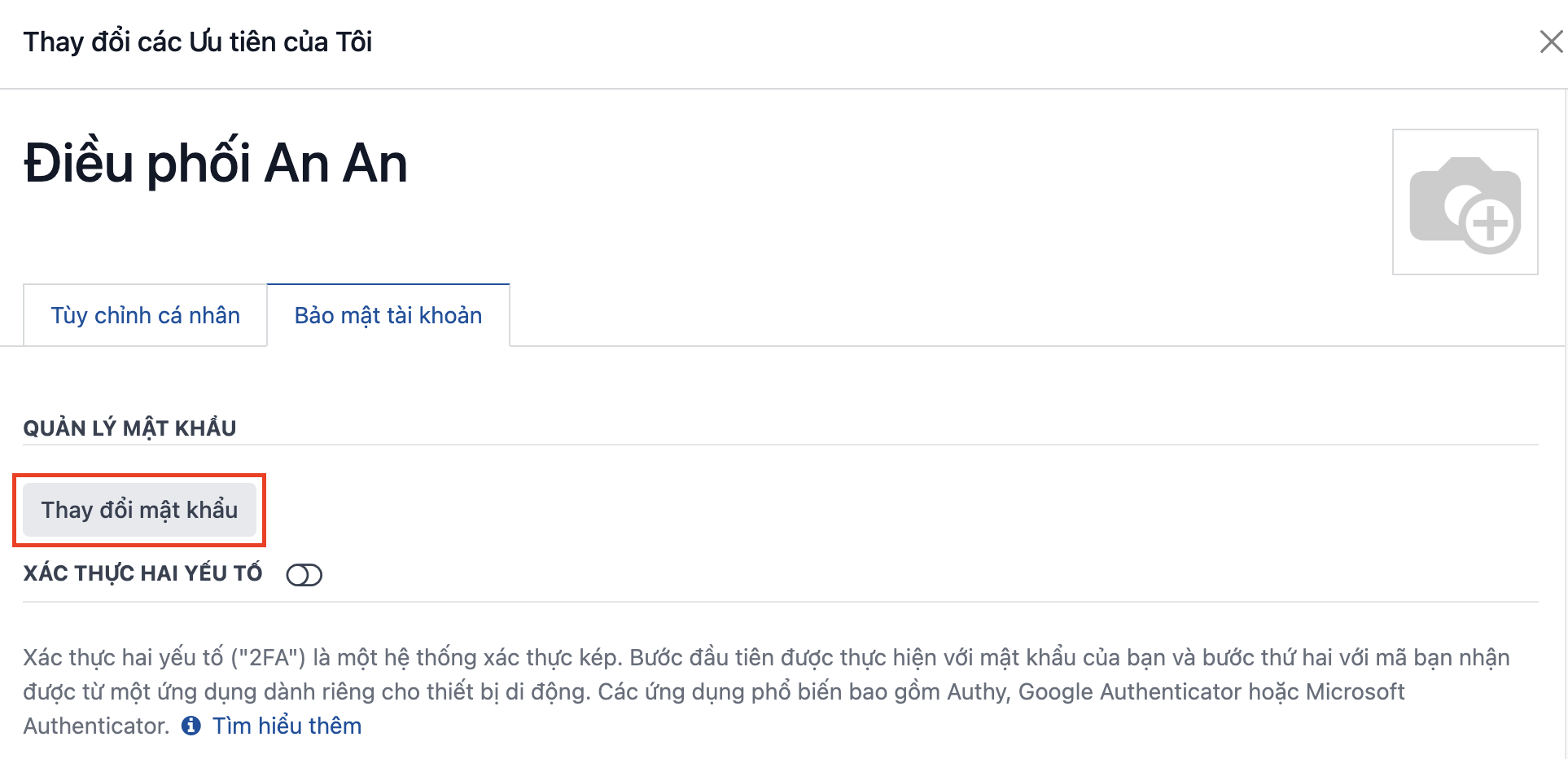
- The system shows a popup → open the [Account Security] tab → click Change password:
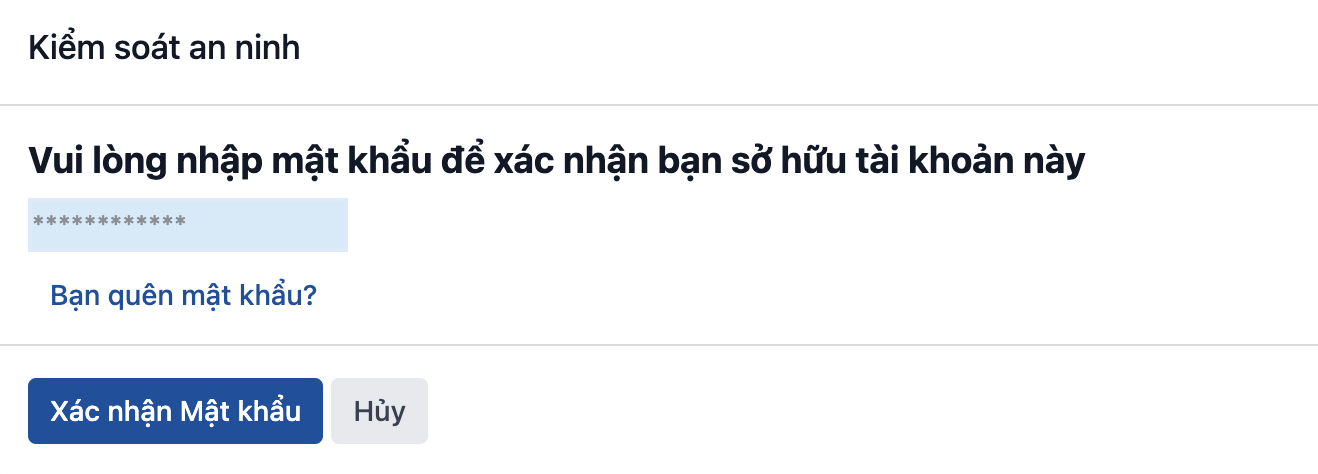
- Enter your current password before changing it:
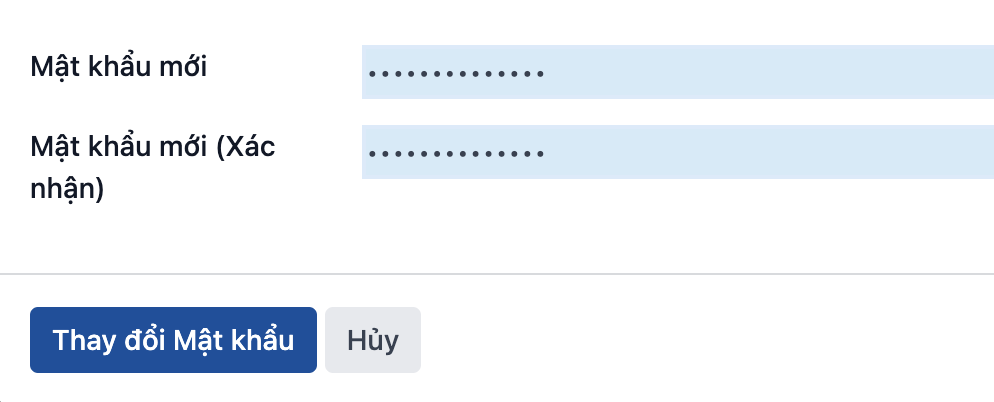
- Enter the new password and click Change password to finish:
Note: After the password is changed, the system signs you out automatically and you have to sign in again with the new password.